1
Stand-alone DVR Instruction Manual
▫ Spot Setup
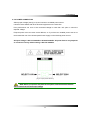
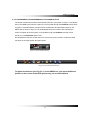
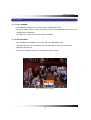
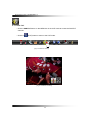
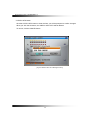
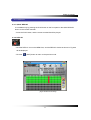
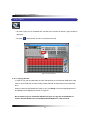
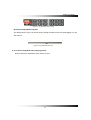
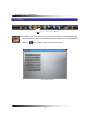
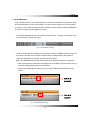
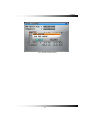
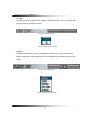
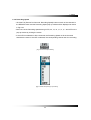
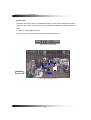
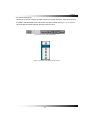
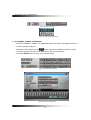
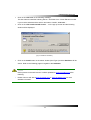
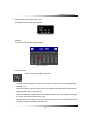
If the “ON” is selected by clicking the mouse on the SPOT button in the MOTION menu, a
full screen will display when a motion is detected. If the “OFF” is selected, the full screen
won’t be displayed even though motion of objects is detected.
[Fig.7-75 Spot Setup button]
▫ Region
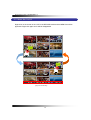
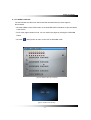
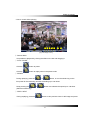
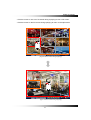
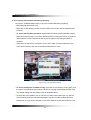
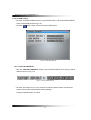
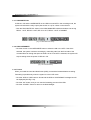
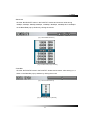
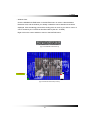
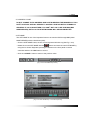
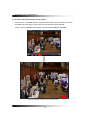
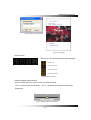
The Motion Detection Area displays in blue on the screen, and it turns to yellow color when
the motion is detected. The white color on the screen represents none of detection area.
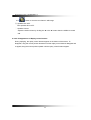
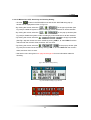
There are three kinds of REGION settings as follows.
By All Set
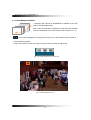
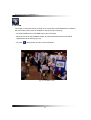
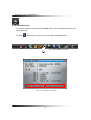
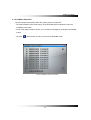
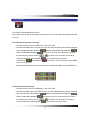
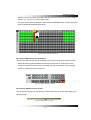
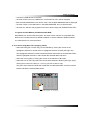
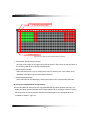
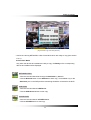
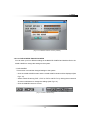
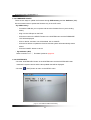
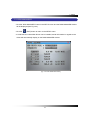
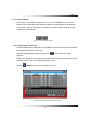
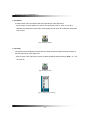
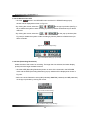
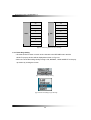
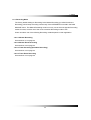
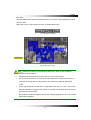
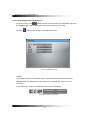
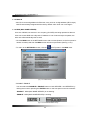
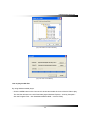
Click the ALL SET button in the MOTION menu on each of the cameras and the Motion
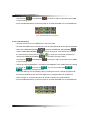
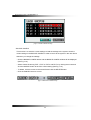
Detection Area displays in blue on the screen as shown in Fig.7-77. Right-click on the blue
screen to return to the MOTION menu. The factory default value is the ALL SET.
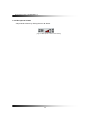
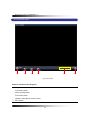
[Fig.7-76 ALL SET button]
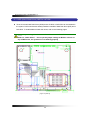
[Fig.7-77 All Set screen]
108