1
6. Installation
6-4. Installation
6-4.1. Camera Connection
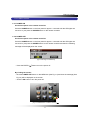
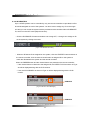
▫ Connection of Normal Cameras
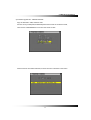
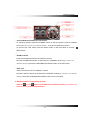
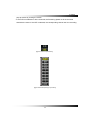
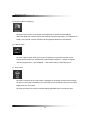
Connect the cameras to the Video Input (BNC connector) on the back of the unit as shown
above [Fig. 6-3 System Connection].
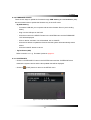
▫ Connection of Loop Output
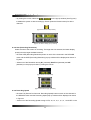
The Camera or video output is available from the Video Output (Loop Output) on the back of
the unit. (When BNC jack is connected to the Video Output, the termination resistance (75Ω)
is automatically switched to impedance status so the external device must have termination
resistance.)
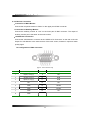
6-4.2. Audio Connection
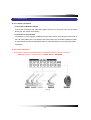
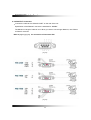
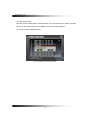
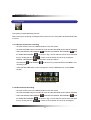
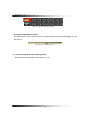
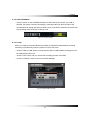
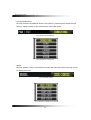
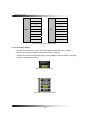
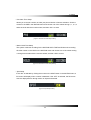
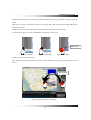
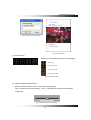
▫ Connect the cable to the AUDIO INPUT / SPEAKER PORT on the rear of the unit.
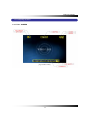
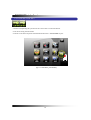
Refer to [Fig. 6-4] for the connection to AUDIO INPUT / SPEAKER.
[Fig 6-4]
23