1
9
Working With CLI Command Results
Server Administrator Command Line Interface (CLI) users can use the
command output in various ways. This section explains how to save
command output to a file and how to select a format for your command
results that fits different objectives.
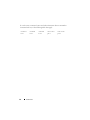
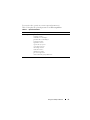
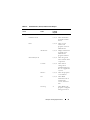
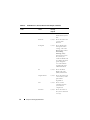
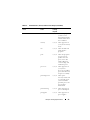
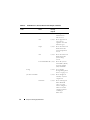
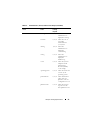
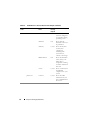
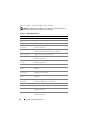
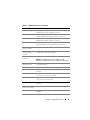
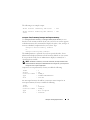
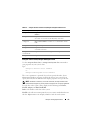
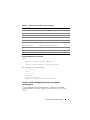
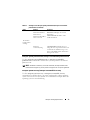
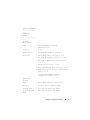
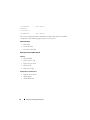
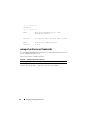
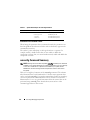
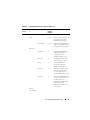
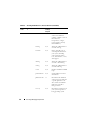
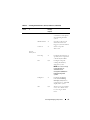
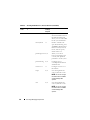
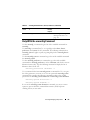
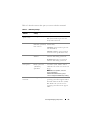
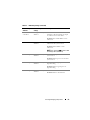
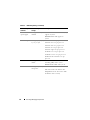
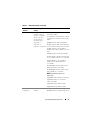
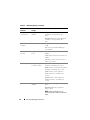
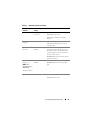
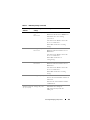
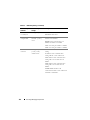
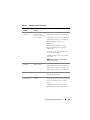
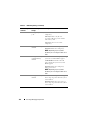
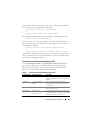
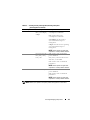
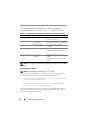
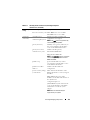
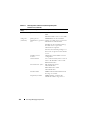
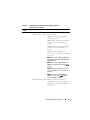
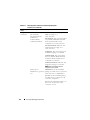
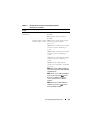
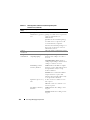
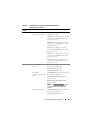
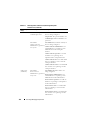
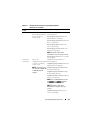
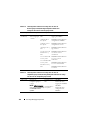
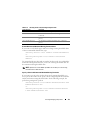
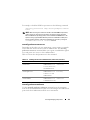
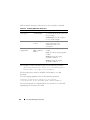
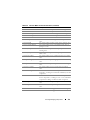
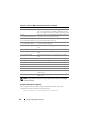
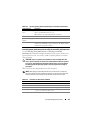
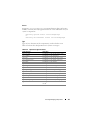
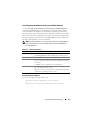
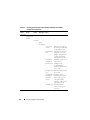
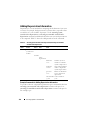
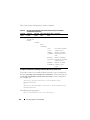
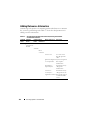
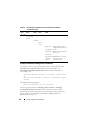
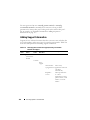
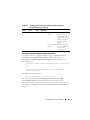
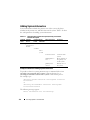
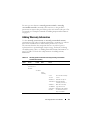
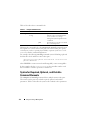
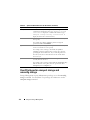
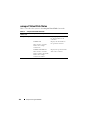
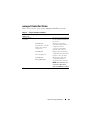
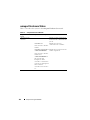
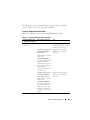
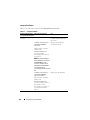
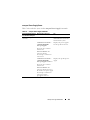
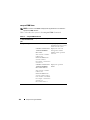
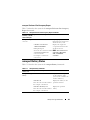
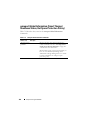
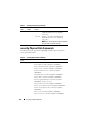
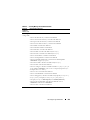
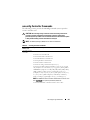
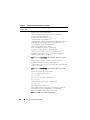
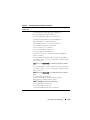
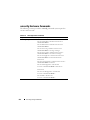
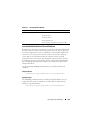
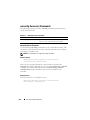
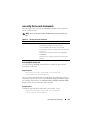
Table 9-1. System Availability for the omreport Command
Command Level 1
Command Level 2
Applicable To
omreport
modularenclosure
Modular system
servermodule
Modular system
mainsystem
Modular system
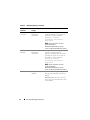
system
Non-modular system
chassis
Non-modular system
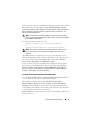
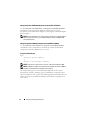
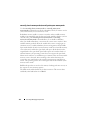
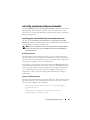
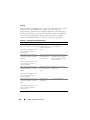
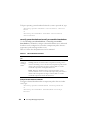
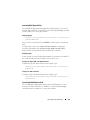
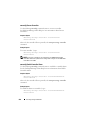
Output Options for Command Results
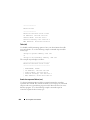
CLI command output displays to standard output on your system in a
command window, in an X-terminal, or on a screen, depending on the type of
your operating system.
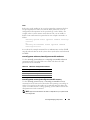
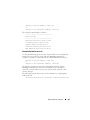
You can redirect command results to a file instead of displaying them to
standard output. Saving command output to a file allows you to use the
command output for later analysis or comparison.
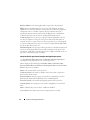
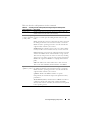
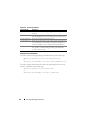
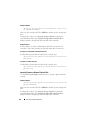
Whether you display command results to standard output or have the
command results written to a file, you can format the results. The format you
select determines the way the command output is displayed and the way the
command output is written to a file.
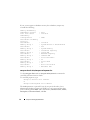
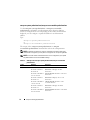
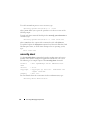
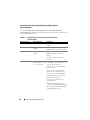
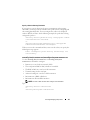
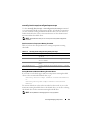
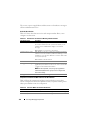
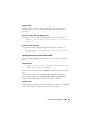
Controlling Command Output Display
Each operating system provides a means of controlling the way that
command results display to standard output. The following is a useful
command for ensuring that command results do not scroll by before you can
view them. The same command syntax works for the Microsoft Windows
command prompt, the Red Hat Enterprise Linux terminal, and the SUSE
Working With CLI Command
261