1
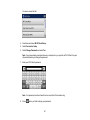
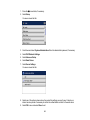
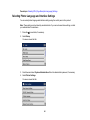
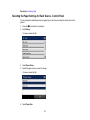
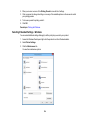
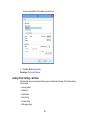
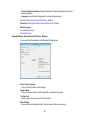
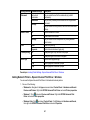
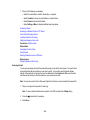
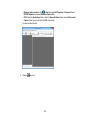
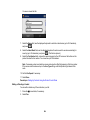
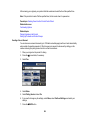
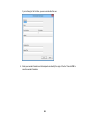
• Windows Vista: Click
, select Control Panel, and click Printer under Hardware and Sound.
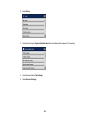
• Windows XP: Click Start and select Printers and Faxes. (Or open the Control Panel, select
Printers and Other Hardware, if necessary, and Printers and Faxes.)
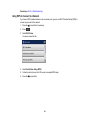
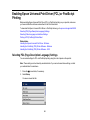
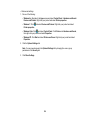
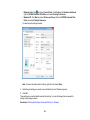
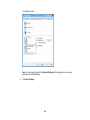
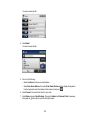
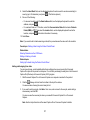
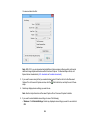
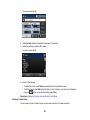
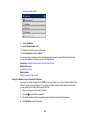
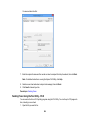
2. Right-click your product name, select Printing Preferences, and select your product name again if
necessary.
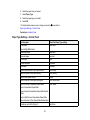
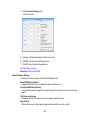
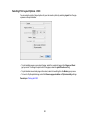
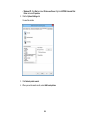
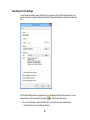
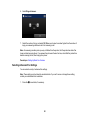
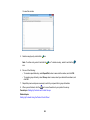
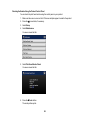
3. Click the Maintenance tab.
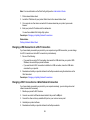
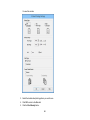
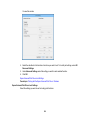
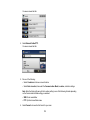
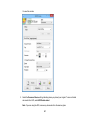
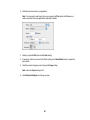
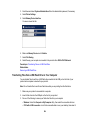
4. Click the Extended Settings button.
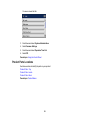
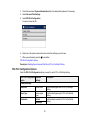
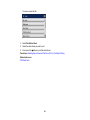
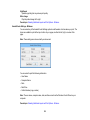
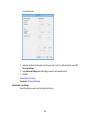
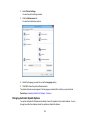
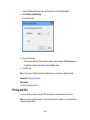
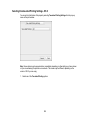
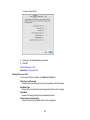
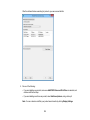
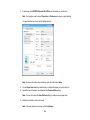
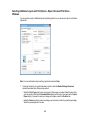
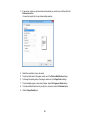
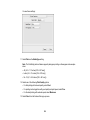
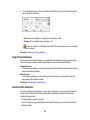
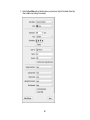
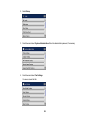
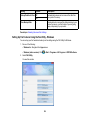
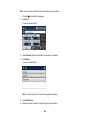
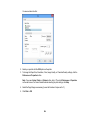
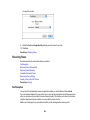
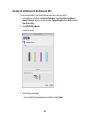
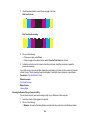
5. Select Enable EPSON Status Monitor 3, then click OK.
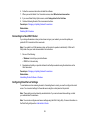
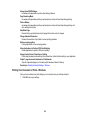
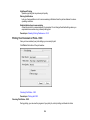
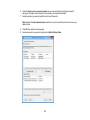
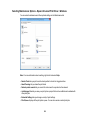
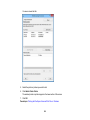
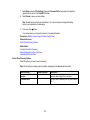
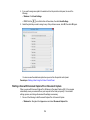
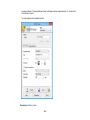
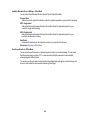
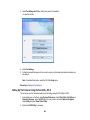
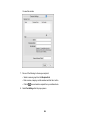
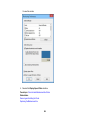
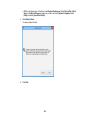
6. Click the Monitoring Preferences button.
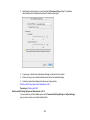
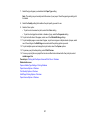
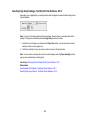
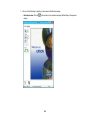
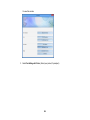
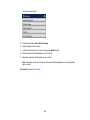
7. Click the checkbox for the option that adds the shortcut icon to the taskbar.
8. Click OK to close the open program windows.
Parent topic: Solving Problems Printing from a Computer
Printing is Slow
If printing becomes slow, try these solutions:
• Make sure your system meets the requirements for your operating system. If you are printing a highresolution image, you may need more than the minimum requirements. If necessary, increase your
system's memory.
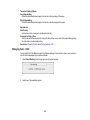
• If you are using Windows 7, close the Devices and Printers window before you print.
• Make sure Quiet Mode is turned off.
• Clear space on your hard drive or run a defragmentation utility to free up existing space.
• Close any programs you are not using when you print.
• If your product is connected to a USB hub, connect it directly to your computer instead.
• If printing becomes slower after printing continuously for a long time, the product may have
automatically slowed down to protect the print mechanism from overheating or becoming damaged.
Let the product rest with the power on for 30 minutes, then try printing again.
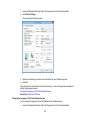
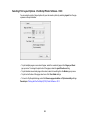
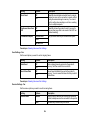
For the fastest printing, select the following settings in your product software:
• Make sure the paper type setting matches the type of paper you loaded.
• Turn on any high speed settings in your product software.
• Select a lower print quality setting.
352