1
CHAPTER 13. FILTERS
13.95
142
Maze
Overview
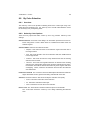
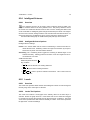
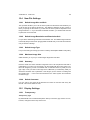
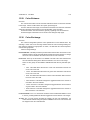
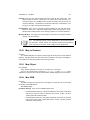
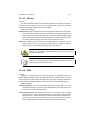
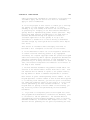
The Maze filter fills the active selection or layer with a maze. Every square in the
maze is accessible from every other, if you can find the right path. There are no loops.
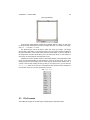
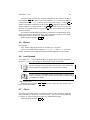
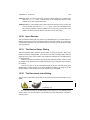
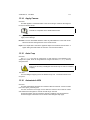
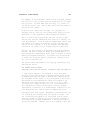
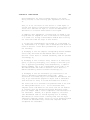
Features include a choice of maze generation algorithms (Prim’s Algorithm or depthfirst), tileable mazes, and non-rectangular shaped mazes. Maze Options
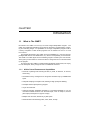
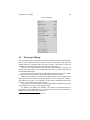
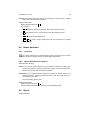
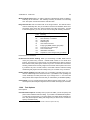
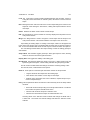
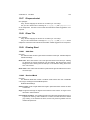
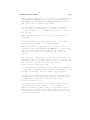
Parameter Settings changes the width and height of the wall and passage blocks
(currently there is no support for making the two different sizes). The pieces selectors
are provided as semi-intelligent aides to choosing a proper size, taking into account
the tileable mode and image size. They will only choose sizes that divide more or less
evenly into the image size, an even or odd number of times, depending on whether
the maze is to be tileable or not. However, in the end, it is the width and height settings
which are used to produce the maze, so results may not exactly match the pieces setting
if you did something weird to it.
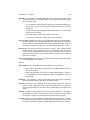
The maze plug-in can generate tileable mazes; that is, make passages going off the
right (or bottom) edge wrap around and be continued on the left (or top). This is useful
for wallpapering and the like.
This places some constraints on the passage size. There must be an even number
of divisions, and the passage size should divide evenly into the image size. Note that
non-tileable mazes have an odd number of divisions. Maze silently enforces this rule.
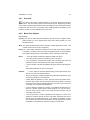
The r andom seed used to generate the maze. Use the same seed with the same
maze size and wall width, and you’ll end up with the same maze. Pressing the Time
button will use the current time as the random seed.
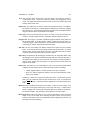
The plug-in knows two different ways to make mazes: the depth-first method and
Prim’s algorithm. Depth-first ismuch faster than Prim’s algorithm, and generally produces long, twisty passages. Prim’s algorithm is typically characterized by many very
short passages with frequent branches.
If there is an active selection, maze will keep non-selected portions of the layer as
wall and create maze passages within the selection. If the selection is disjointed, the
plug-in will draw as many mazes as needed to fill all portions of the selection.
13.96
Motion Blur
Overview
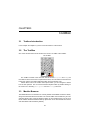
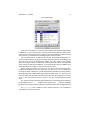
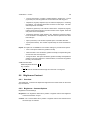
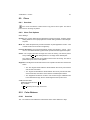
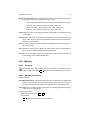
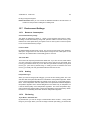
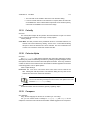
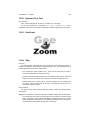
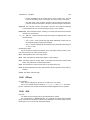
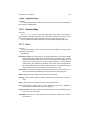
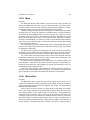
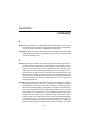
The Motion Blur filter is a filter that will “push” the pixels of your image for you,
creating a movement blur. The filter is capable of Linear, Radial, and Z oom movements.
Each of these movements can be further adjusted, with Length, and Angle settings
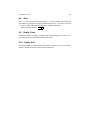
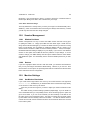
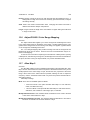
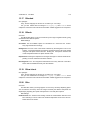
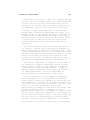
available. Motion Blur Options
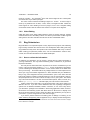
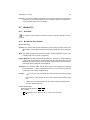
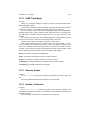
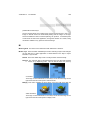
Linear motion is a blur that travels in a single direction, horizontally, for example.
In this case, Length will affect the perceived distance that the pixels are moved from
their original positions. More Length will result in more blurring. Angle describes the
actual angle of the movement. Thus, a setting of 90 will produce a vertical blur, and
a setting of 0 will produce a horizontal blur. Radial motion blur creates a circular blur.
The Length slider is not important with this type of blur. Angle on the other hand, is
the primary setting that will affect the blur. More Angle will result in more blurring in a
circular direction. The Radial motion blur is similar to the effect of a spinning object.