1
Non-Windows
installation
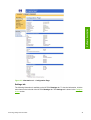
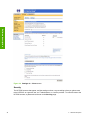
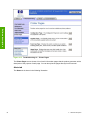
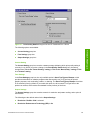
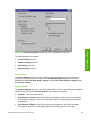
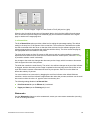
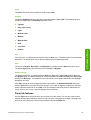
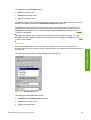
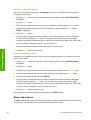
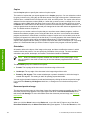
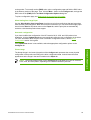
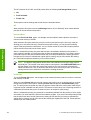
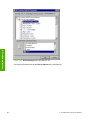
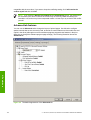
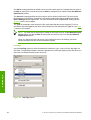
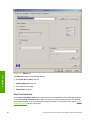
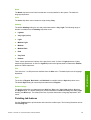
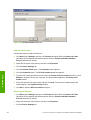
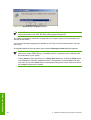
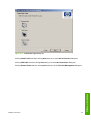
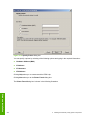
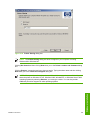
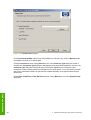
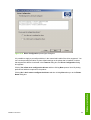
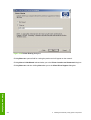
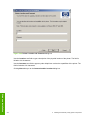
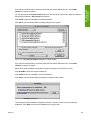
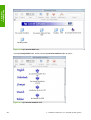
Figure 6-5 Installation was successful dialog box
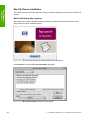
Click Quit to exit the Installer. The Printer Setup Assistant opens.
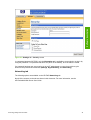
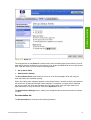
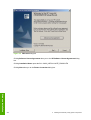
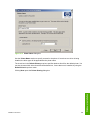
Click Continue to return to the HP LaserJet Installer.
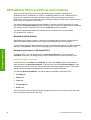
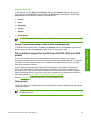
HP LaserJet Screen Fonts Installer dialog box sequence
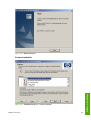
This section provides information about the installation dialog box sequence for the HP Screen Font
Installer.
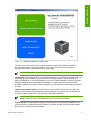
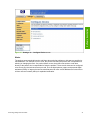
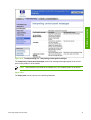
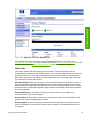
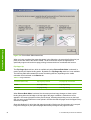
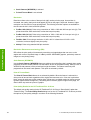
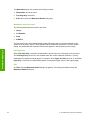
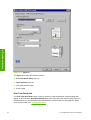
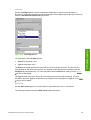
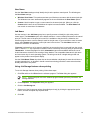
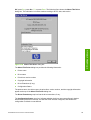
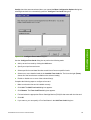
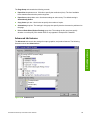
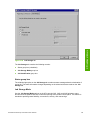
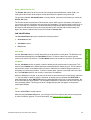
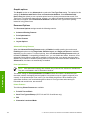
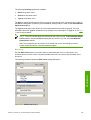
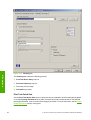
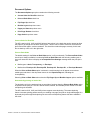
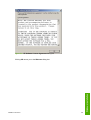
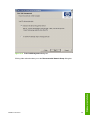
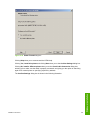
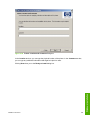
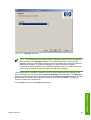
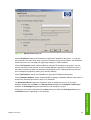
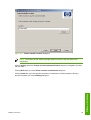
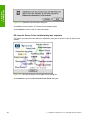
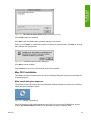
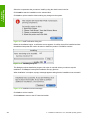
Figure 6-6 HP LaserJet Screen Fonts splash screen dialog box
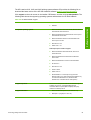
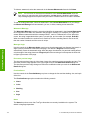
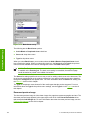
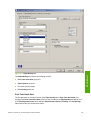
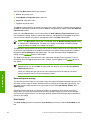
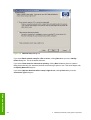
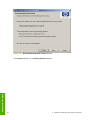
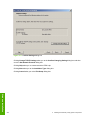
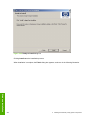
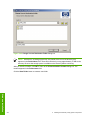
Click Continue to open the HP LaserJet Screen Fonts dialog box.
290
6 Installation for Macintosh, Linux, and UNIX operating systems