1
Installation instructions
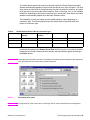
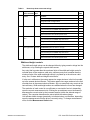
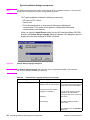
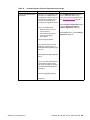
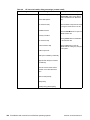
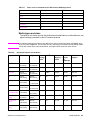
General installation for Windows 95, 98, Me, NT 4.0, 2000, and XP OSs
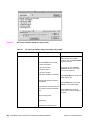
General installation instructions for the Windows 95, Windows 98, Windows Me,
Windows NT 4.0, Windows 2000, and Windows XP operating systems, presented in
the following table, are similar. When instructions are not shared by all of these
Windows operating systems, the pertinent ones are listed in the left column of the
table.
If the HP LaserJet product is connected through a file or print server, the HP LaserJet
printing system software must first be installed on the server before being installed on
any client systems. If the HP LaserJet printing system software is not first installed on
the server, bidirectional communication, some Driver Autoconfiguration methods, and
Printer Status and Alerts will not be available to the client systems.
For Windows NT 4.0, Windows 2000, and Windows XP, administrator rights on the
system are necessary to install the software.
When the HP LaserJet printing system installer runs, the HP LaserJet uninstaller is
always added to the system.
Bidirectional communication and Driver Autoconfiguration are installed on the system
only in supported network environments. Parallel and USB connections do not
support bidirectional communication.
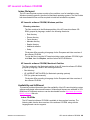
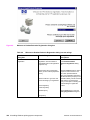
Installing from the printing system CD-ROM
To install the HP LaserJet printing system from the CD-ROM that came with your
product, follow these instructions:
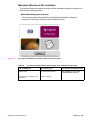
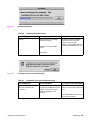
Step 1 Close all applications.
Step 2 Insert the CD-ROM in the CD-ROM drive.
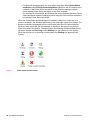
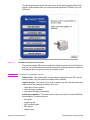
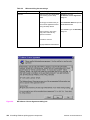
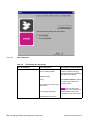
Step 3 Click install printer and follow the screen prompts.
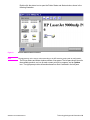
Step 4 If your CD-ROM does not autostart, browse to the SETUP.EXE file in
the root location of the CD-ROM.
Installing from a network or from downloaded files
Follow these instructions if you downloaded the files from the Web, or if you are
installing the printing system files from a network. You may need to see your
administrator for the location of the printing system software file.
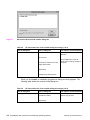
Step 1 Browse to the location of the SETUP.EXE file.
Step 2 Double-click the SETUP.EXE file.
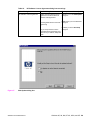
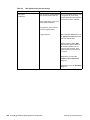
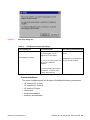
Step 3 Click install printer and continue to follow the instructions until the
product is installed. For detailed installation instructions, see “Detailed
Windows installation.”
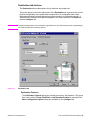
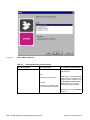
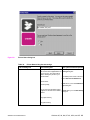
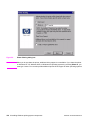
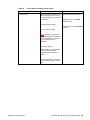
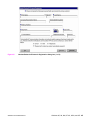
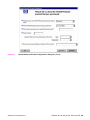
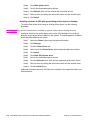
Detailed Windows installation
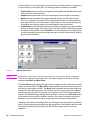
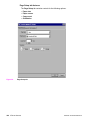
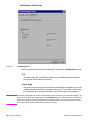
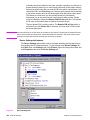
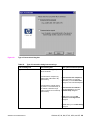
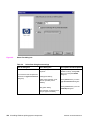
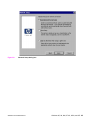
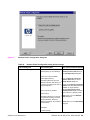
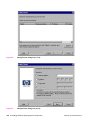
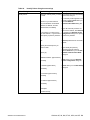
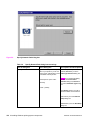
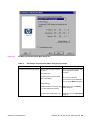
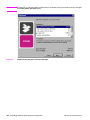
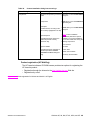
This section provides information about the installation dialog box sequence for
installing the HP LaserJet printing system software in Microsoft Windows
environments. You can choose to install the software by using either a Typical
Installation or a Custom Installation.
Software Technical Reference
Windows 95, 98, Me, NT 4.0, 2000, and XP 119