1
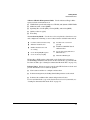
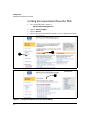
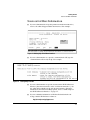
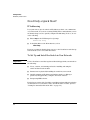
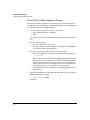
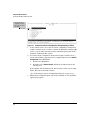
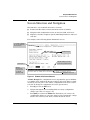
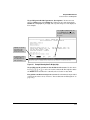
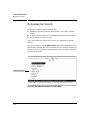
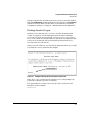
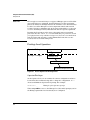
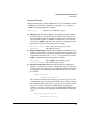
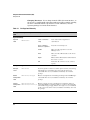
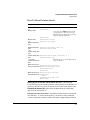
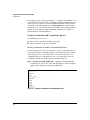
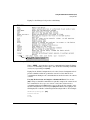
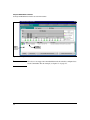
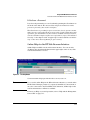
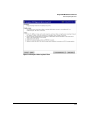
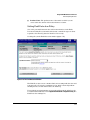
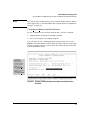
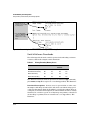
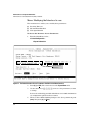
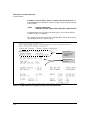
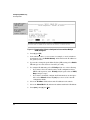
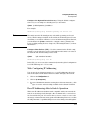
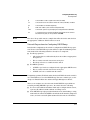
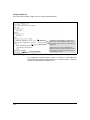
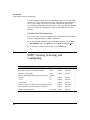
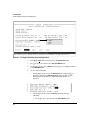
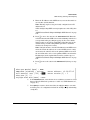
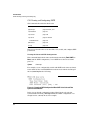
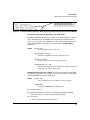
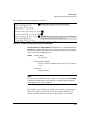
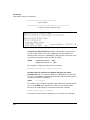
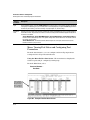
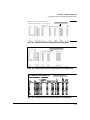
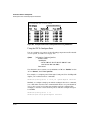
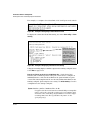
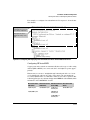
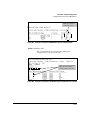
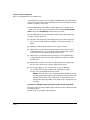
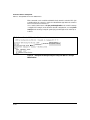
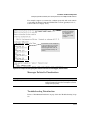
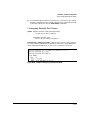
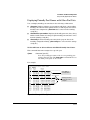
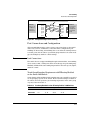
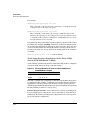
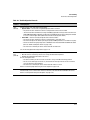
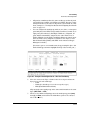
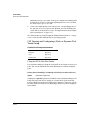
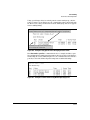
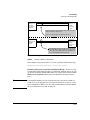
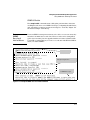
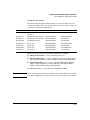
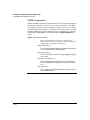
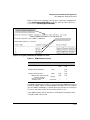
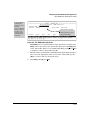
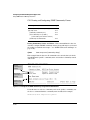
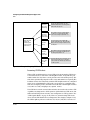
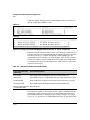
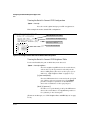
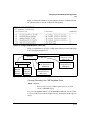
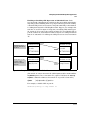
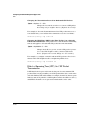
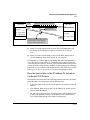
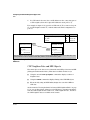
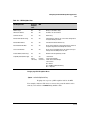
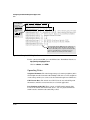
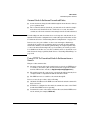
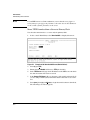
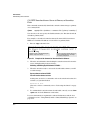
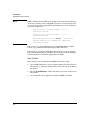
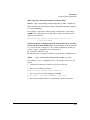
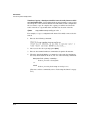
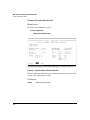
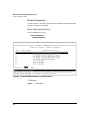
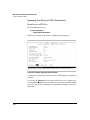
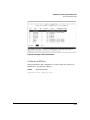
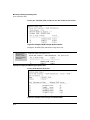
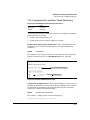
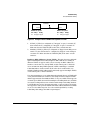
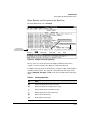
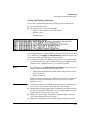
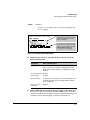
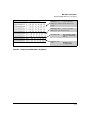
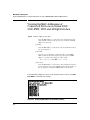
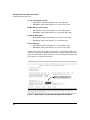
Switch Memory and Configuration Using the Menu and Web Browser Interfaces To Implement Configuration Changes Rebooting To Activate Configuration Changes. Configuration changes for most parameters become effective as soon as you save them. However, you must reboot the switch in order to implement a change in the Maximum VLANs to support parameter. (To access these parameters, go to the Main menu and select 2. Switch Configuration, then 8. VLAN Menu, then 1. VLAN Support.) If configuration changes requiring a reboot have been made, the switch displays an asterisk (*) next to the menu item in which the change has been made. For example, if you change and save parameter values for the Maximum VLANs to support parameter, an asterisk appears next to the VLAN Support entry in the VLAN Menu screen, and also next to the Switch Configuration . . . entry in the Main menu, as shown in figure 4-6: Asterisk indicates a configuration change that requires a reboot in order to take effect. Reminder to reboot the switch to activate configuration changes. Figure 6-6. Indication of a Configuration Change Requiring a Reboot Configuration Changes Using the Web Browser Interface You can use the web browser interface to simultaneously save and implement a subset of switch configuration changes without having to reboot the switch. That is, when you save a configuration change (in most cases, by clicking on Apply Changes or Apply Settings, you simultaneously change both the running config file and the startup-config file. N o t e If you reconfigure a parameter in the CLI and then go to the browser interface without executing a write memory command, those changes will be saved to the startup-config file if you click on Apply Changes or Apply Settings in the web browser interface. 6-11