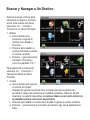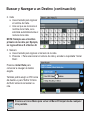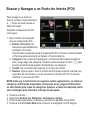
1
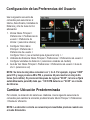
IMPORTANT! Before you begin, you must
set the system time and default location to
ensure accurate navigation results.
SET TIME
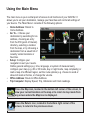
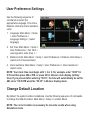
Use the following sequence of commands to set the time:
Main Menu > Setup > User Preferences > Set Time > (use
keypad to enter time) > P
.
SET HOME (DEFAULT LOCATION)
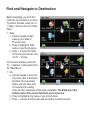
By default, the system location is Alabama. Use the following
sequence of commands to change the default location:
Main Menu > Setup > Location Reset.