1
SETTINGS MENU (CONTINUED)
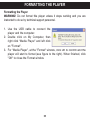
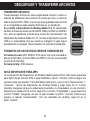
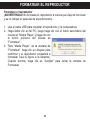
TO FORMAT THE PLAYER
WARNING! Do not format this player unless it stops working and you are instructed to
do so by technical support personnel.
2
1
1
1
2
2
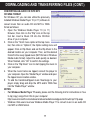
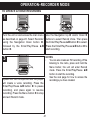
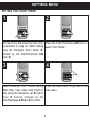
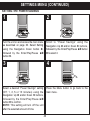
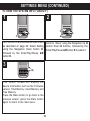
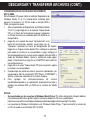
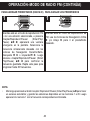
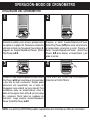
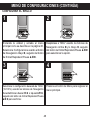
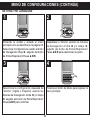
Turn the unit on and access the main menu
as described on page 22. Select Setting
using the Navigation Down button 1,
followed by the Enter/Play/Pause ®p
button 2.
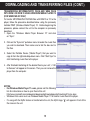
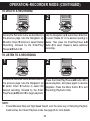
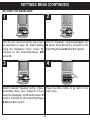
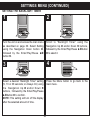
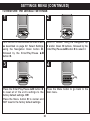
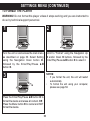
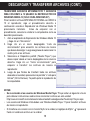
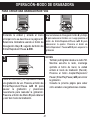
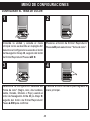
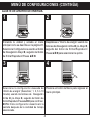
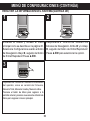
Scroll to “Format” using the Navigation Up
1 and/or Down 2 buttons, followed by the
Enter/Play/Pause ®p button 3 to select it.
3
1
3
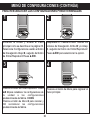
NOTES:
•
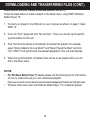
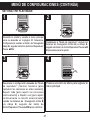
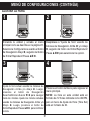
If you format the unit, the unit will restart
automatically.
•
To format the unit using your computer,
please see page 58.
2
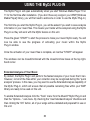
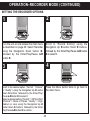
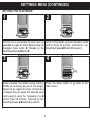
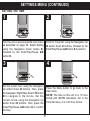
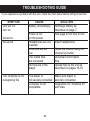
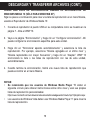
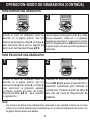
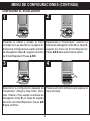
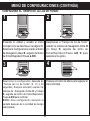
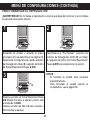
Press the Enter/Play/Pause ®p button 1 to
format the device and erase all content. OR
Press the Menu button 2 to cancel and NOT
format the device.
55