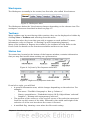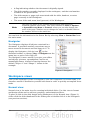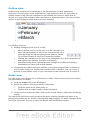
1
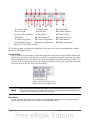
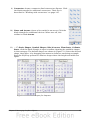
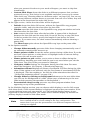
9) Connector: draws a connector line between two figures. Click
the black triangle for additional connectors. Their use is
described in “Working with connectors“ on page 105.
10) Lines and Arrows: draws a line ended in an arrow. Click the
black triangle for additional choices. When torn off, this
toolbar is titled Arrows.
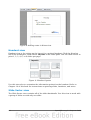
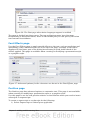
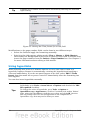
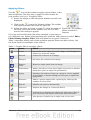
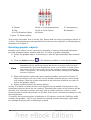
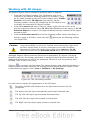
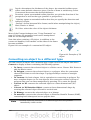
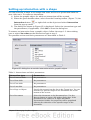
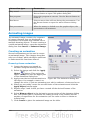
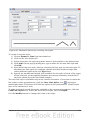
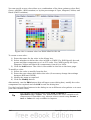
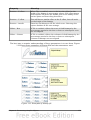
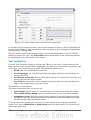
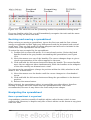
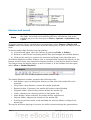
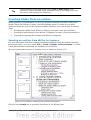
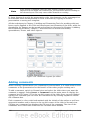
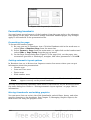
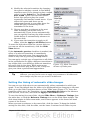
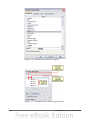
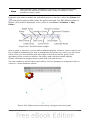
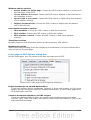
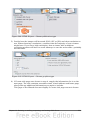
11) —17) Basic Shapes, Symbol Shapes, Block Arrows, Flowcharts, Callouts,
Stars: click the black triangle to open a toolbar showing the available shapes
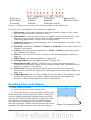
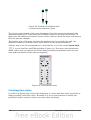
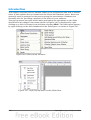
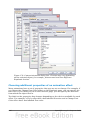
in that category. The default shapes are shown in Figure 70. Select the desired
shape, then draw it by dragging the mouse to define an enclosing rectangle.
Keep the Shift key pressed to obtain a shape where the height and width are
equal.
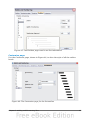
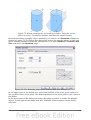
Figure 70: Available shapes for Impress
Chapter 5 Managing Graphic Objects
93