1
ENGLISH
6
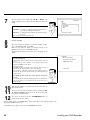
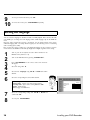
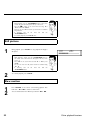
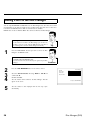
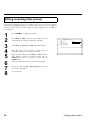
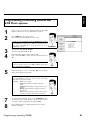
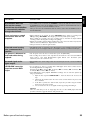
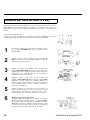
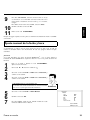
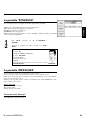
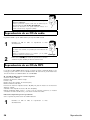
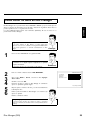
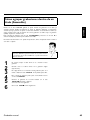
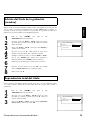
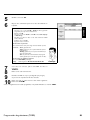
The disc is now stored in the Disc Manager under the displayed
disc number.
Please write this number on the disc and on the cover.
Why do I need to label the discs?
When searching for unrecorded free space or available recordings, you
will asked to insert the appropriate discs (disc numbers).
7
?
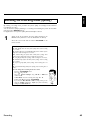
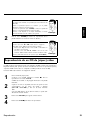
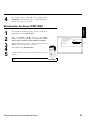
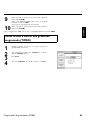
To end, press DISC MANAGER .
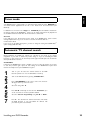
The DVD Recorder will immediately recognize that this disc is saved in the Disc Manager. When
this disc is inserted the disc number will appear in the title overview in the top left-hand corner.
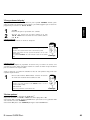
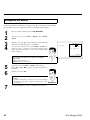
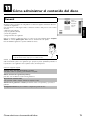
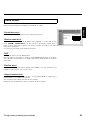
Removing discs from the Disc Manager
Every DVD+RW/+R is stored with a number in the Disc Manager (DM). You can remove this
disc number from the Disc Manager to use the Disc Manager's memory for new discs or to
remove damaged discs from memory.
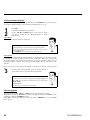
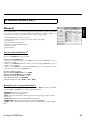
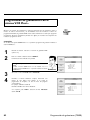
1
2
3
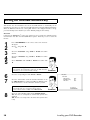
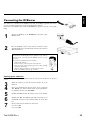
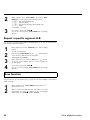
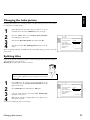
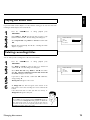
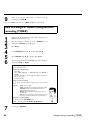
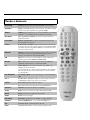
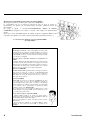
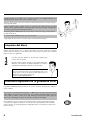
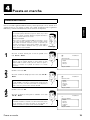
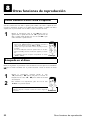
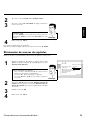
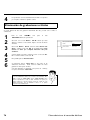
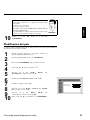
Press DISC MANAGER on the remote control.
Select 'Remove a disc' using ACH+ or CH- B and confirm
with C .
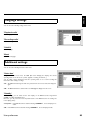
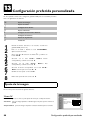
Find title
Browse discs
Remove disc
Add current disc
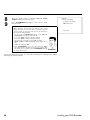
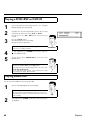
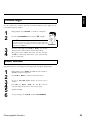
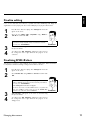
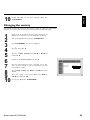
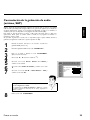
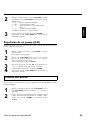
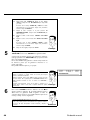
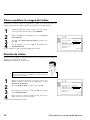
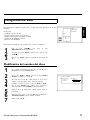
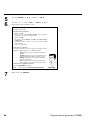
Select the disc number with ACH+ , CH- B and confirm with
OK .
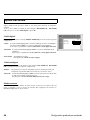
Disc Manager
C04
Disc number 001
Disc number 001
Next free disc number = 001
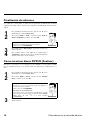
Disc contents are not deleted!
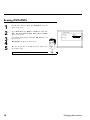
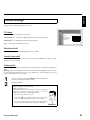
The disc is only removed from the Disc Manager's memory. Its contents
remain unchanged!
4
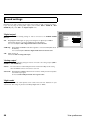
Tip
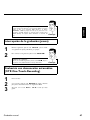
To exit press DISC MANAGER
To end, press DISC MANAGER .
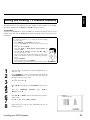
Disc Manager (DM)
59