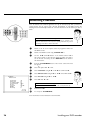
1
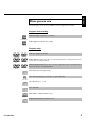
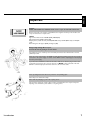
REC/OTR n
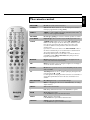
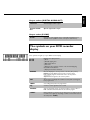
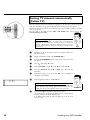
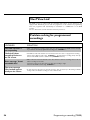
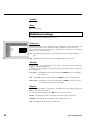
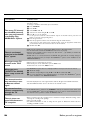
Record: Record the current TV channel
STANDBY m
Switch on or off: To switch set on or off, interrupt menu function,
interrupt a programmed recording (TIMER)
TIMER s
TIMER: To make a TIMER programming with/without Video Plus+® or
to alter or clear a programmed TIMER
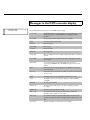
REC MODE
Record type (quality): To select the maximum possible record time
PLAY MODE
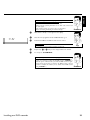
Playback type: Choose between repeat, shuffle play and intro-scan
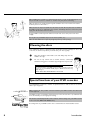
TV/DVD
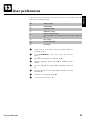
TV/DVD switch: Switches the scart socket EXT 2 AUX-I/O of the
DVD recorder directly to the TV set. This lets you watch the picture
from any unit connected to this scart socket (set-top box', video
recorder or satellite receiver) and at the same time record from
another source.
If you have not connected a device to the EXT 2 AUX-I/O socket or
the device is switched off, you can use this button to switch between
TV reception and the signal of the DVD recorder.
But this only works if you use a scart cable to connect the TV set to
your DVD recorder ( EXT 1 TO TV-I/O socket) and your TV set
responds to this switch-over.
MONITOR
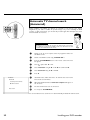
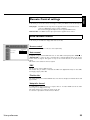
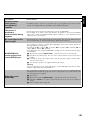
Monitor: This button lets you switch between disc playback or the
picture of the internal tuner (TV channel).
DIM
Dimmer: This button lets you change the brightness of the display to
one of two levels or switch it off.
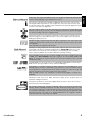
RETURN
Back: Return to previous menu on a video CD (VCD). This also works
with some DVDs.
T/C
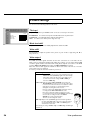
Title/Chapter: Choose the 'B'(Title)/'C'(Chapter) directly from the
menu bar using P- B , P+ A .
If 'INFO' appears in the display, the index menu from a recorded disc or
an introductory film will be shown. In this case, this function is not
available.
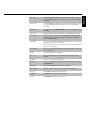
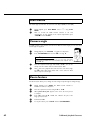
DISC MANAGER
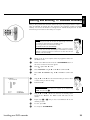
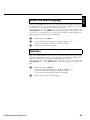
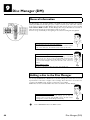
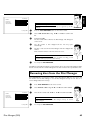
Disc Manager: Call up or cancel the Disc Manager
FSS &
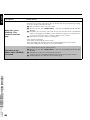
EDIT: For displaying the edit menu for DVD+R/RW discs, for setting
chapter markers
SELECT
Select: Select function/value
t
Info: Call up additional information in the GUIDE Plus+® system.
ZOOM
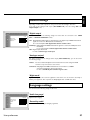
Zoom: Enlarge the picture
In the GUIDE Plus+® system: Red function button.
ANGLE
Angle: Select the camera angle.
In the GUIDE Plus+® system: Green function button.
SUBTITLE
Subtitle : Select the subtitle language.
In the GUIDE Plus+® system: Yellow function button.
ENGLISH
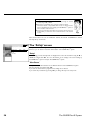
The remote control