1
Chapter 3 Quantum PX720 Remote Management
Setup
Date & Time
3
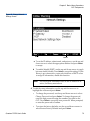
The date and time page allows the user to view and set the date and time
on the library. This allows the library to time stamp any events that occur.
Note:
The Quantum PX720 must be offline to adjust the time and
date.
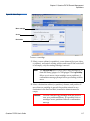
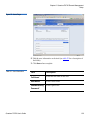
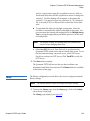
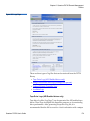
1 To access the Date & Time page, from the Setup page, click on the Date
& Time tab at the top of the page.
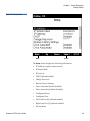
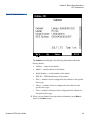
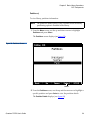
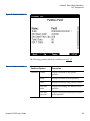
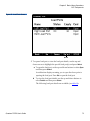
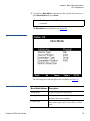
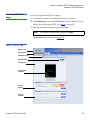
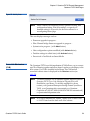
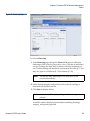
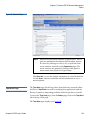
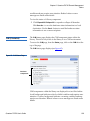
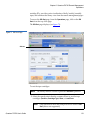
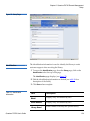
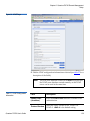
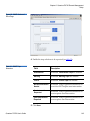
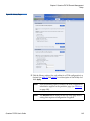
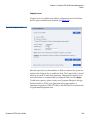
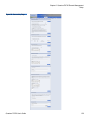
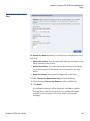
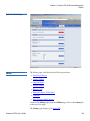
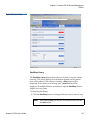
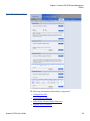
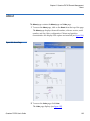
The Date & Time page displays (see figure 84).
Figure 84 Date & Time Page
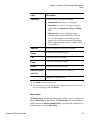
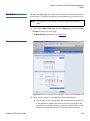
2 There are two options for setting the system date and time:
a To manually set the system date, use the outer arrows at the top
of the calendar to display the next or previous year and use the
inner arrows to display the next or previous month. Click on the
correct day within the calendar. To change the hour, minute,
Quantum PX720 User’s Guide
143