1
Initial Settings and Adjustments
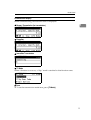
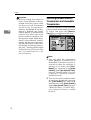
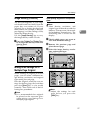
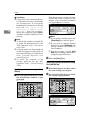
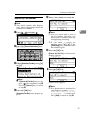
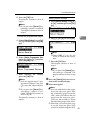
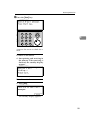
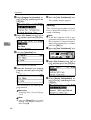
D Select [Program Fax Information] us-
ing {U} or {T}, and then press the
{OK} key.
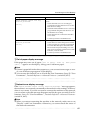
FAX661.tif
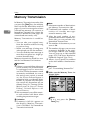
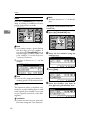
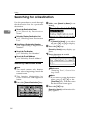
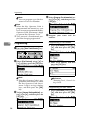
E Select
[Fax Header] using {U} or
{T}, and then press the {OK} key.
FAX662.tif
4
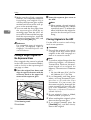
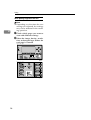
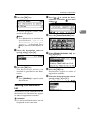
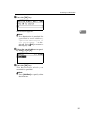
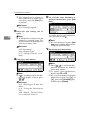
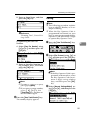
F Press the {Clear/Stop} key.
***FAX663.tif***
All registered characters are deleted.
Note
Press the {Cancel} key to cancel
deleting. The display returns to
that of step E.
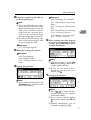
G Press the {OK} key.
The display returns to that of step
E.
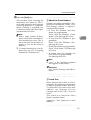
H Press the {User Tools/Counter} key.
The standby display appears.
61