1
38
11
VAIO® Reference Manual
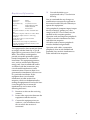
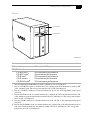
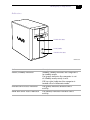
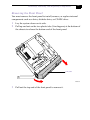
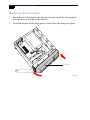
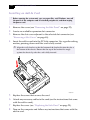
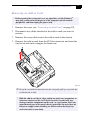
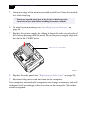
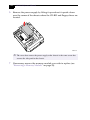
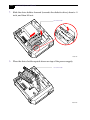
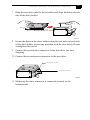
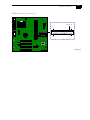
Replace the power supply by sliding it down the rails on each side of
the chassis opening until the metal tab on the power supply slips into
the slot in the CD-RW drive.
Tab fits into slot in CD-RW drive
AUR002.VSD
12
13
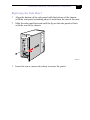
Replace the side panel (see “Replacing the Side Panel” on page 25).
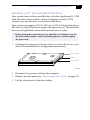
Reconnect the power cord and turn on the computer.
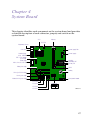
Your computer automatically recognizes the extra memory and will
configure itself accordingly when you turn on the computer. No further
action is required.