1
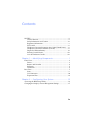
Contents
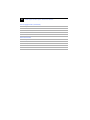
NOTICE ....................................................................................................... ii
Owner’s Record................................................................................... ii
Safety Information and Caution ...................................................... iii
Regulatory Information.......................................................................v
FCC Part 68 ......................................................................................... vi
Telephone Consumer Protection Act of 1991 (United States) ..... vi
Telephone Consumer Guidelines (Canada)................................... vi
Disposal of Lithium Battery ............................................................ vii
Industry Canada Notice.................................................................. viii
Avis de l’Industrie Canada............................................................. viii
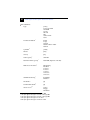
Chapter 1 — Identifying Components................................ 1
Front View....................................................................................................2
Drives.....................................................................................................3
Buttons and Switches ..........................................................................4
Indicators...............................................................................................5
Connectors ............................................................................................6
Rear View .....................................................................................................7
Icons .......................................................................................................8
I/O Connectors ..................................................................................10
Expansion Slots ..................................................................................14
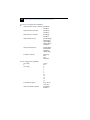
Chapter 2 — Configuring Your System ............................ 15
Accessing the BIOS Setup Utility............................................................16
Changing the Display's Power Management Settings.........................17
ix