1
Help
Contents
Back
<<
>>
CONTROL PANEL FEATURES
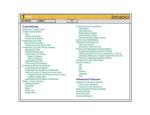
Use the Wacom control panel to customize your Graphire2 pen and mouse set.
The Pull-Down Menus access many control panel features.
The Application List
displays applications
with customized
settings.
These buttons add an application
or tool to the lists at the left.
The Help button
displays online
Help.
The Tool List
displays tools that
are customized for
the above selected
application.
Tabs display
settings for the
selected application
and selected tool.
Tab buttons
apply only to the
selected tab.