1
Yamaha Professional Audio
3.3
M7CL StageMix V4.5 User Guide
StageMix Setup
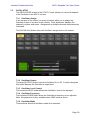
Launch the “M7CL StageMix” App
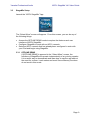
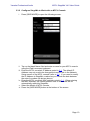
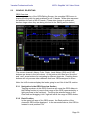
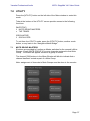
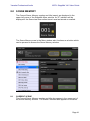
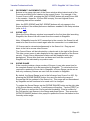
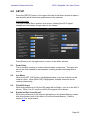
The “Select Mixer” screen will appear. From this screen, you can do any of
the following things:
•
•
•
Access the OFFLINE DEMO mode to explore the features and user
interface of M7CL StageMix.
Configure StageMix to work with an M7CL console.
Select an M7CL console that has already been configured to work with
your iPad and begin using StageMix.
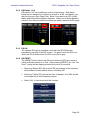
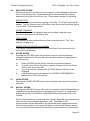
3.3.1 OFFLINE DEMO
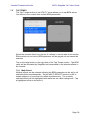
If [OFFLINE DEMO] is pressed in the “Select Mixer” screen, the
functions of StageMix will operate independently of any mixing console.
It is a useful way to demonstrate and learn how to use the app without
the need for a mixer. Level meters and most Scene Memory functions
do not work in this mode.
Page 9