1
1 TROUBLESHOOTING FOR THE HARDWARE
1.TROUBLESHOOTING FOR THE HARDWARE
4
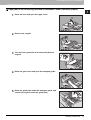
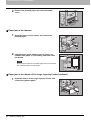
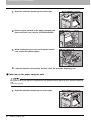
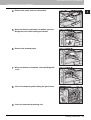
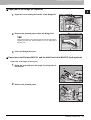
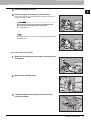
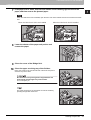
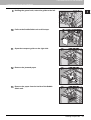
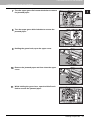
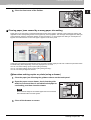
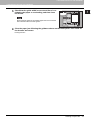
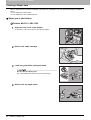
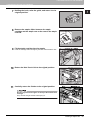
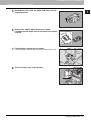
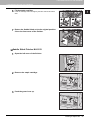
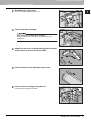
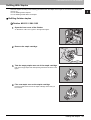
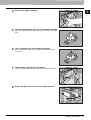
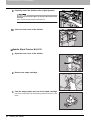
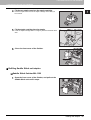
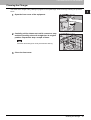
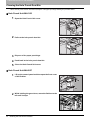
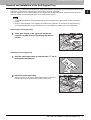
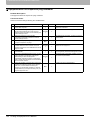
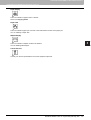
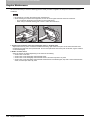
Remove the staple cartridge.
5
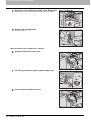
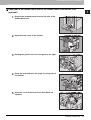
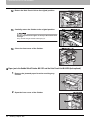
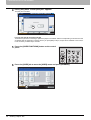
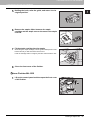
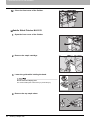
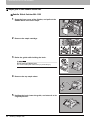
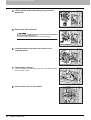
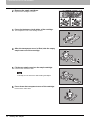
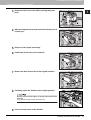
Take the empty staple case out of the staple cartridge.
6
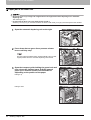
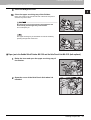
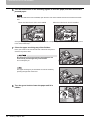
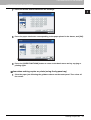
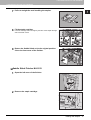
Fit a new staple case on the staple cartridge.
7
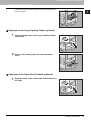
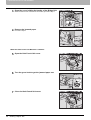
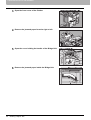
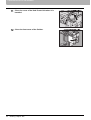
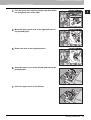
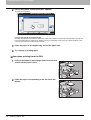
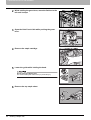
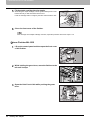
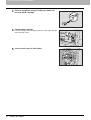
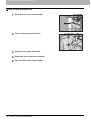
Fit the staple cartridge into the stapler.
8
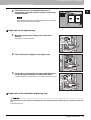
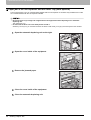
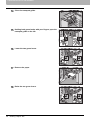
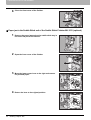
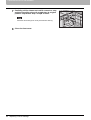
Return the Hole Punch Unit to its original position.
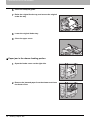
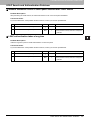
Pull up the empty staple case while pushing both sides as shown in the
figure.
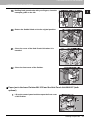
Push the staple case hook into the staple cartridge socket until you
hear a click.
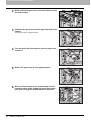
Insert the cartridge until it is caught by the latch and fixed with a click.
Refilling With Staples
67