1
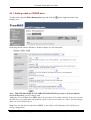
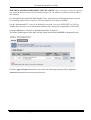
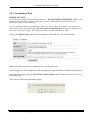
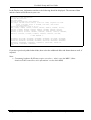
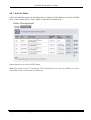
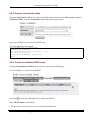
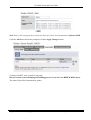
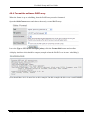
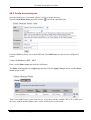
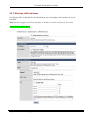
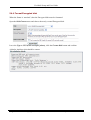
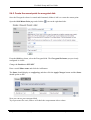
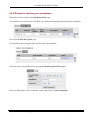
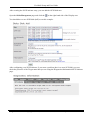
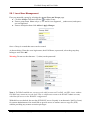
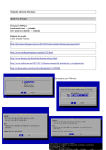
FreeNAS Setup and User Guide 5.8.1 Local User Management First you must add a group by selecting the Access/Users and Groups page. Click the Groups TAB and click the to add a Group. Enter a group name Note: only a-z, A-Z and 0-9 are supported. _ (underscores) and spaces are not supported. Enter a description then click Add and Apply Changes Once a Group is created then users can be created. As shown below, Enter the users login name, their Full Name, a password, select the group they belong to and Click Add. Warning: Do not use the character “:”(colon) on the password! Note: A Full Shell enabled user can access the shell account on FreeNAS via SSH. A user without Full Shell user cannot access the shell. This is a different account to the WebGUI admin account, which has full access to the WebGUI configuration. With this box un-checked, the user has SCPONLY access. Scponly is an alternative 'shell' (of sorts) for system administrators who would like to provide access to remote users to copy file (SCP) without providing any remote execution privileges. Page 70 of 73 Copyright © 2005, 2007 FreeNAS Documentation Project. Ver 0.684b