1
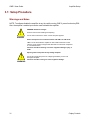
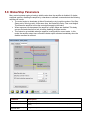
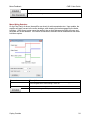
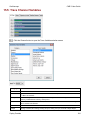
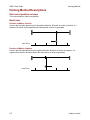
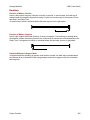
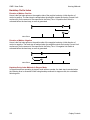
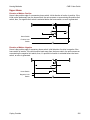
CME 2 User Guide Motor Phasing 10.3: Troubleshooting the Auto Phase Problems Motor direction setup If motor direction setup step failed: Check Encoder or resolver power and signals. Verify that the encoder is differential. (Contact factory if encoder is single-ended.) Check shielding for proper grounding. Motor wiring setup If motor wiring setup step failed: Verify that amplifier is disabled. Check for mechanical jamming. Check for smooth motion with no mechanical jerking. Check for good connections to the motor power wires. Disconnect motor power wires and measure for proper motor resistance. Phase count test If phase count test failed: Verify that in the Motor/Feedback screen the following parameters have been set correctly: Number of Poles for rotary motors. Verify the motor’s pole count with the Data accuracy test. Magnetic Pole Pair Length for linear motors. Encoder Lines or Fundamental Lines for rotary encoders. Encoder Resolution for linear encoders. Halls wiring setup If Halls wiring setup step failed: Check Halls power and signals. Check for smooth motion with no mechanical jerking. Check shielding for proper grounding. If the auto phase procedure fails despite these corrective measures, see Manual Phase 101 Copley Controls