1
Scug.bk Page 241 Monday, September 13, 1999 12:57 PM
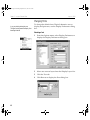
Assigning Instance-Specific Part Values
Assigning Instance-Specific Part
Values
The Edit Schematic Instance function enables you to view
and edit the instance specific attributes associated with
the instance of the block or hierarchical symbol that you
pushed into. You can only add, change, or delete
attributes when this function is activated. Any changes
only apply to this instance of the hierarchical block or
symbol.
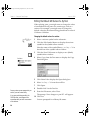
Editing an instance of the schematic
1
From the Navigate menu, select Push to push into the
hierarchical block or symbol.
2
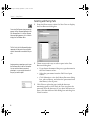
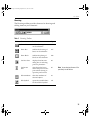
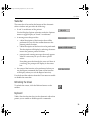
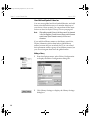
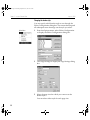
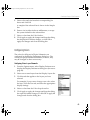
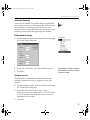
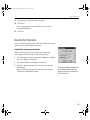
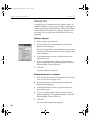
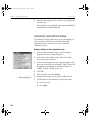
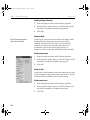
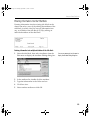
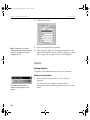
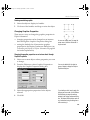
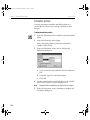
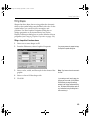
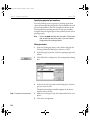
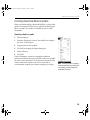
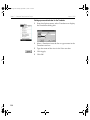
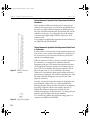
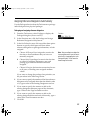
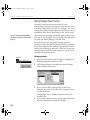
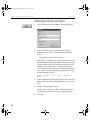
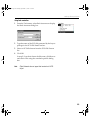
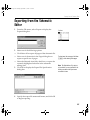
From the Navigate menu, select Edit Schematic
Instance.
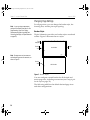
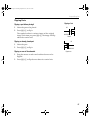
Shortcut: press 2
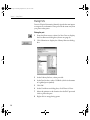
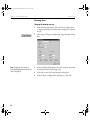
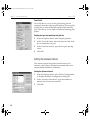
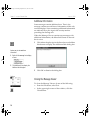
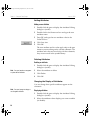
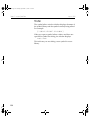
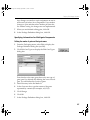
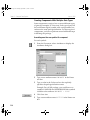
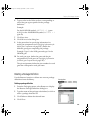
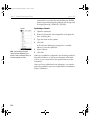
Navigate Menu
A check mark appears next to the menu item to show
that it has been selected.
Note
Any changes you make effect only this instance of the schematic.
To make changes to the schematic itself, use the Edit Schematic
Definition function.
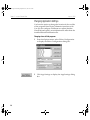
Editing the schematic definition
1
From the Navigate menu, select Push to push into the
hierarchical block or symbol.
2
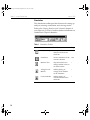
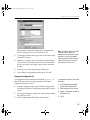
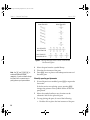
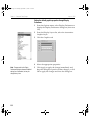
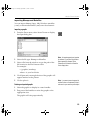
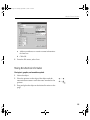
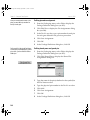
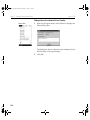
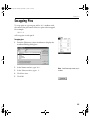
From the Navigate menu, select Edit Schematic
Definition.
Shortcut: press 2
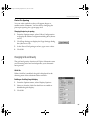
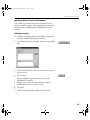
A check mark appears next to the menu item to show
that it has been selected.
You can now edit the schematic. Any changes that you
make effect all instances of hierarchical blocks and
symbols that reference this schematic.
Note
Edit Schematic Instance and Edit Schematic Definition are mutually
exclusive functions.
241