1
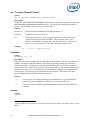
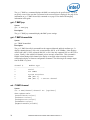
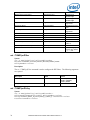
set –T session {Prompt | Prefix}
Syntax:
set –T session {Prompt=text | Prefix=text}
Description:
Defines the Intel Command Line Interface command-line prompt and the prefix that is applied to
Intel Command Line Interface command responses. By default, the command-line prompt is
“dpccli”, and the default response prefix is an empty string.
Options:
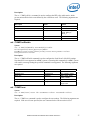
prompt=text
Changes the Intel Command Line Interface prompt to text.
prefix=text
Changes the response prefix to text.
text
The prompt or prefix text. You can supply any literal text characters plus the
system variable $system, $time, and $date. These variables resolve to the
hostname or IP Address, the system time, and date, respectively. The time and
date reflect current time for the system that is hosting the network proxy.
Example:
set -T session Prompt=$system>
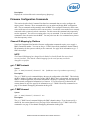
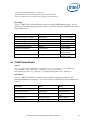
shutdown
Syntax:
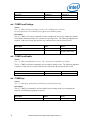
shutdown [-f] [-r]
Description:
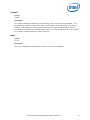
Shuts down or resets the managed system, depending on which option is selected. By default, the
software will attempt a graceful shutdown. 6 Performing a graceful operating system shutdown
requires a proprietary operating system agent be present. If this agent is not present or unable to
respond after seven seconds, an error message will be displayed for the user and the command will
terminate (no reset or power off performed). Graceful shutdown commands will not perform hard
resets or power off if operating system shutdown does not complete. (This model varies from
previous implementations of graceful shutdown requests.)
Options:
[-f]
Forces a power off without performing a graceful shutdown. A graceful shutdown
requires Intel System Management Software to be installed on the server.
[-r]
Causes the software to attempt a graceful shutdown and then execute the IPMI reset
command.
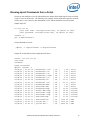
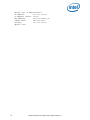
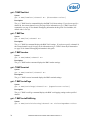
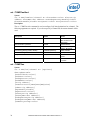
version
Syntax:
version
6
Graceful shutdown not supported on systems that use National Semiconductor’s PC87431x family of “mini”
BMCs.
24
Intel® Command Line Interface User’s Guide version 2.4