1
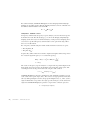
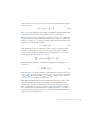
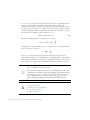
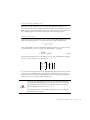
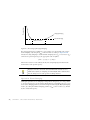
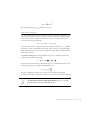
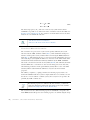
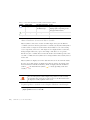
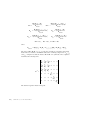
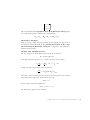
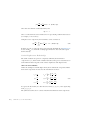
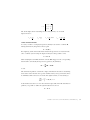
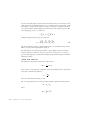
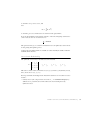
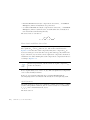
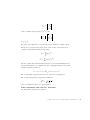
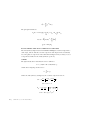
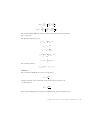
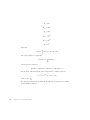
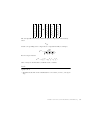
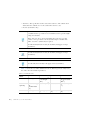
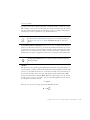
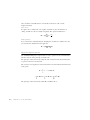
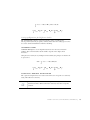
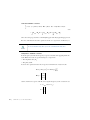
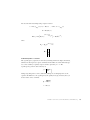
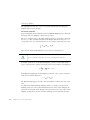
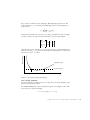
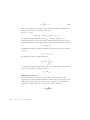
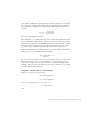
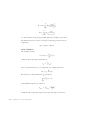
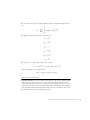
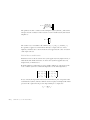
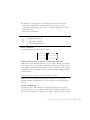
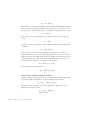
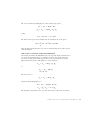
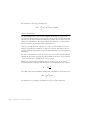
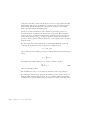
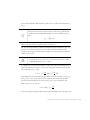
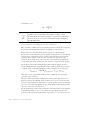
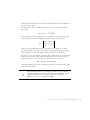
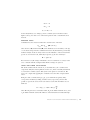
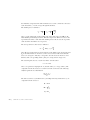
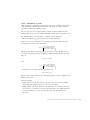
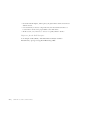
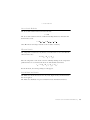
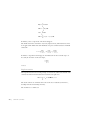
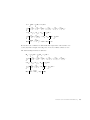
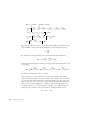
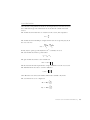
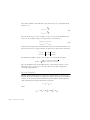
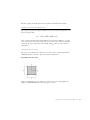
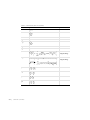
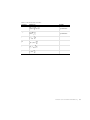
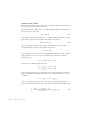
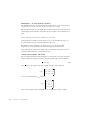
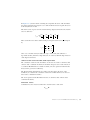
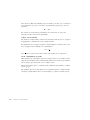
INITIAL STRAIN Specify the initial strain as the Initial axial strain, the Initial curvature, and for 3D, the Initial torsional angle derivative. The default values are zero, which means no initial strain. 2D For 2D models, enter values or expressions for Initial axial strain eni (unitless) and Initial curvature siz (SI unit: rad/m). For 3D models, enter values or expressions in the applicable fields for: • Initial axial strain eni (unitless) 3D • Initial curvature siz and siy (SI unit: rad/m) • Initial torsional angle derivative six (SI unit: rad/m) Damping Right-click the Linear Elastic Material node to add the Damping node, which adds Rayleigh damping or an isotropic loss-factor damping. In time-dependent, eigenfrequency, and frequency domain response studies, undamped or damped problems can be modeled. Note Loss factor damping is valid only for damped eigenfrequency and frequency response analysis. If a time-dependent analysis and loss factor damping is chosen, the model is solved with no damping. EDGE OR BOUNDARY SELECTION From the Selection list, choose the geometric entity (boundaries or edges) to add damping. Note By default, this node inherits the selection from its parent node, and only a selection that is a subset of the parent node’s selection can be used. THE BEAM INTERFACE | 261