1
Starting the Simulator
4
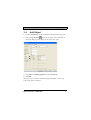
Starting the Simulator
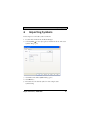
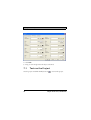
The Simulator is used to test run the project on a personal computer. Save
the project and click the Play button
or select Project/Run. Now, a new
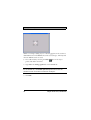
window is shown, acting as the operator terminal.
You can now drag the slider to see how the speedometer changes.
Press Esc to end the simulator and return to the configuration tool.
12
Beijer Electronics, MA00750A