1
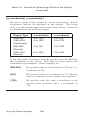
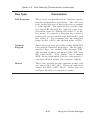
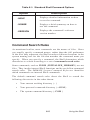
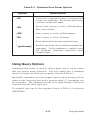
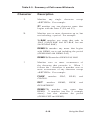
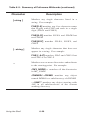
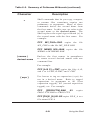
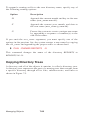
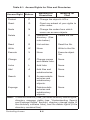
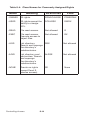
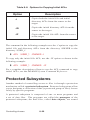
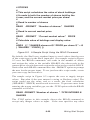
To append a naming suffix to the new directory name, specify any of
the following naming options:
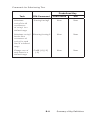
Option
Description
-D
Appends the current month and day to the new
name (new_name.mm.dd.).
-Y
Appends the current year, month, and date to
the new name (new_name.yy.mm.dd).
-U
Forces the system to create a unique new name
by appending a sequence of number(s) to the
end of the name.
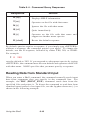
If you omit the new_ name argument, you must specify one of the
options in the previous list; the system creates a new name by copying
the old_ name and appending the proper suffix as shown here:
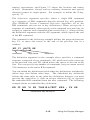
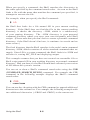
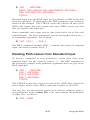
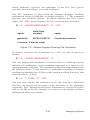
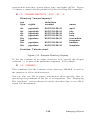
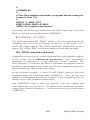
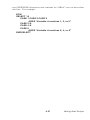
$ CHN /OWNER/REPORTS -D
This command changes the name of the directory REPORTS to
REPORTS.06.16.
Copying Directory Trees
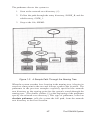
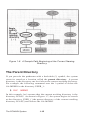
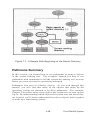
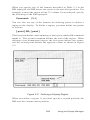
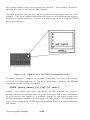
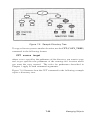
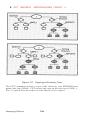
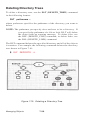
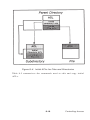
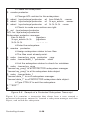
A directory and all of the objects it contains is called a directory tree.
A directory tree represents the part of a naming tree that extends from
a specific directory through all its files, subdirectories, and links as
shown in Figure 7-5.
Managing Objects
7-22