1
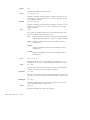
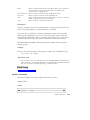
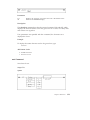
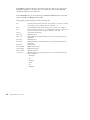
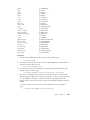
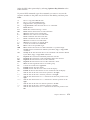
a named key
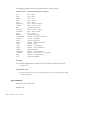
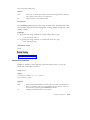
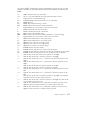
The following key names can be used, either alone or in
combination with the Alt or Ctrl keys:
v Backspace
v Tab
v Backtab
v Enter
v Esc
v PadEnter
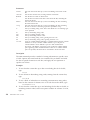
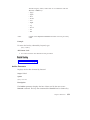
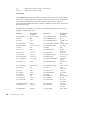
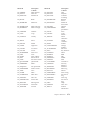
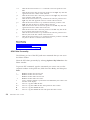
The following key names can be used, either alone or in
combination with the Alt, Ctrl, or Shift keys:
v PgUp
v PgDn
v End
v Home
v Left
v Right
v Up
v Down
v Ins
v Del
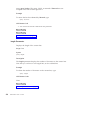
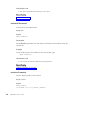
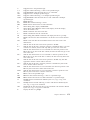
Description
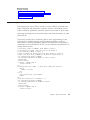
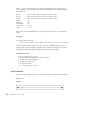
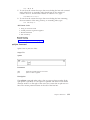
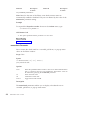
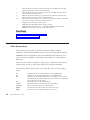
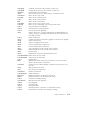
The key parameter provides a simple way of remapping the keyboard.
Pressing the key identified by PhysicalKeyName has the same effect as pressing
the LogicalKeyname key.
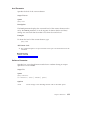
Example
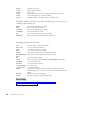
To assign the function of the home key to Ctrl+F4, type:
set key.c-f4 home
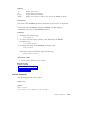
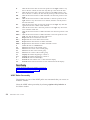
API Return Code
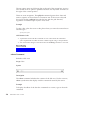
-2 The Editor could not find the specified PhysicalKeyName.
“action Parameter” on page 152
“keylist Parameter” on page 250
Chapter 8. References
249