1
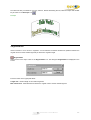
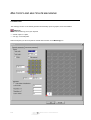
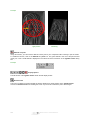
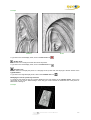
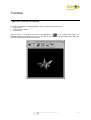
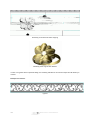
Rendering in TypeView
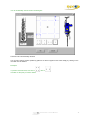
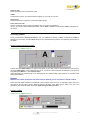
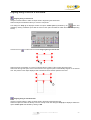
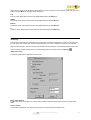
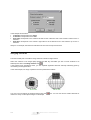
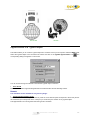
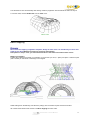
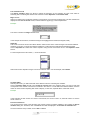
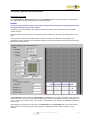
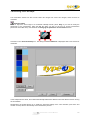
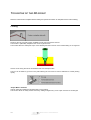
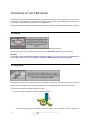
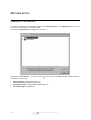
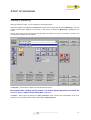
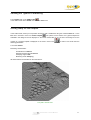
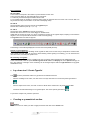
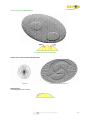
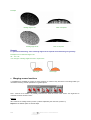
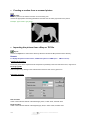
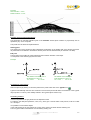
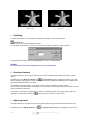
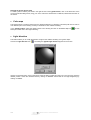
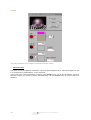
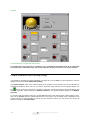
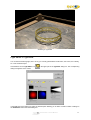
Light editor in TypeView
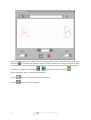
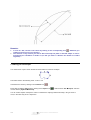
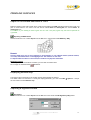
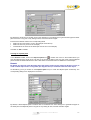
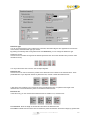
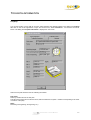
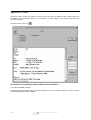
You can edit the rendering light, that is to say you can fully parameterize the direction, the source, the intensity,
etc. of the rendered object.
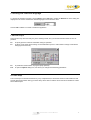
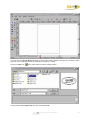
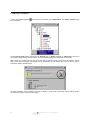
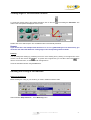
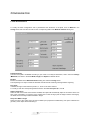
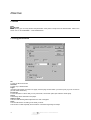
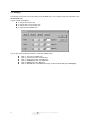
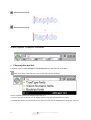
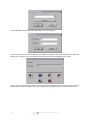
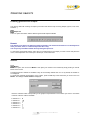
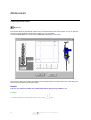
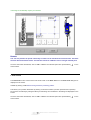
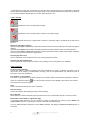
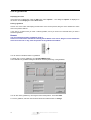
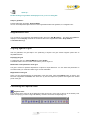
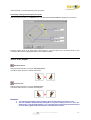
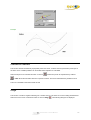
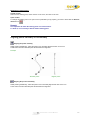
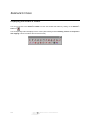
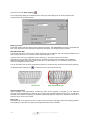
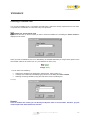
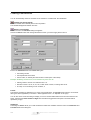
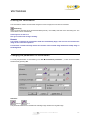
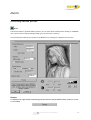
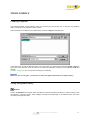
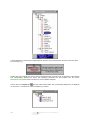
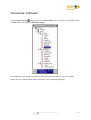
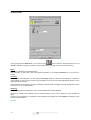
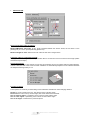
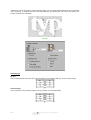
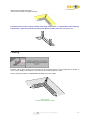
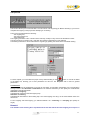
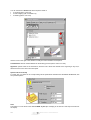
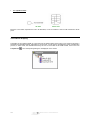
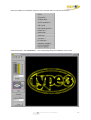
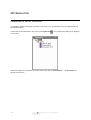
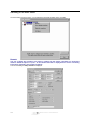
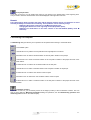
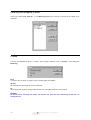
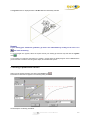
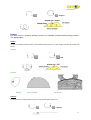
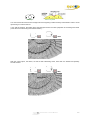
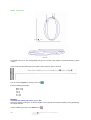
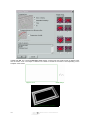
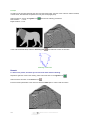
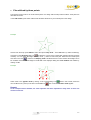
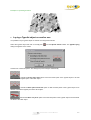
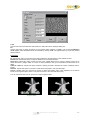
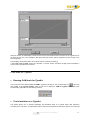
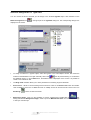
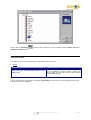
Click therefore on the Light Editor icon
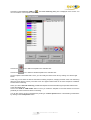
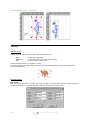
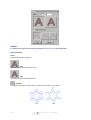
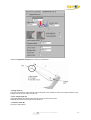
dialog box appears on the screen.
in the upper part of the TypeView dialog box. The corresponding
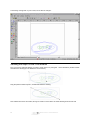
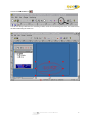
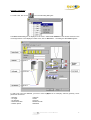
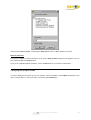
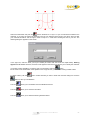
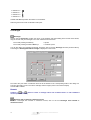
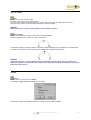
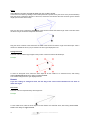
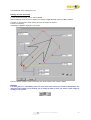
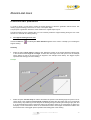
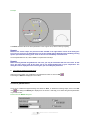
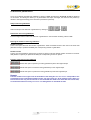
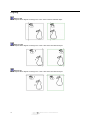
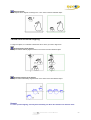
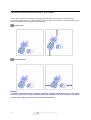
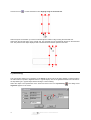
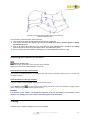
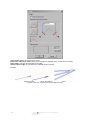
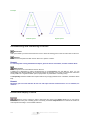
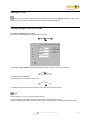
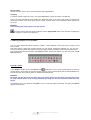
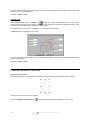
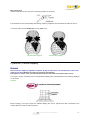
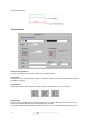
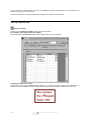
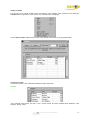
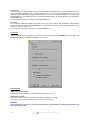
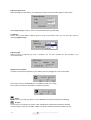
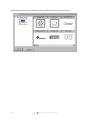
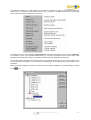
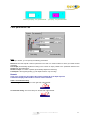
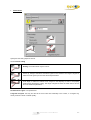
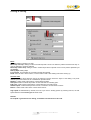
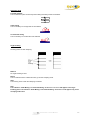
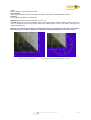
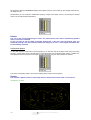
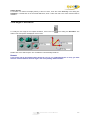
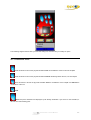
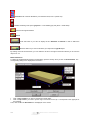
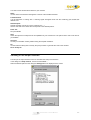
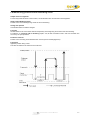
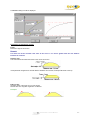
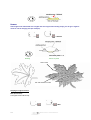
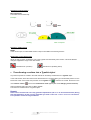
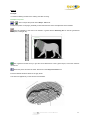
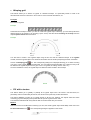
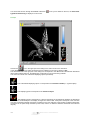
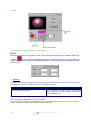
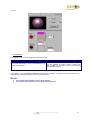
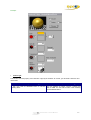
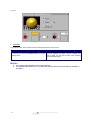
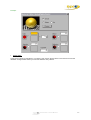
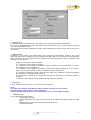
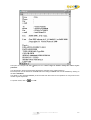
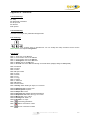
In the Type part of the dialog box, select the desired option allowing you to define a certain number of settings in
the Parameters field of the same dialog box.
VERSION PRO - USER'S MANUAL
331