1
POLARplus Manager User Guide
POLARplus
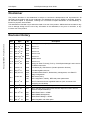
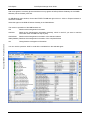
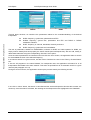
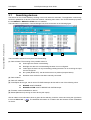
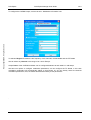
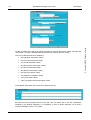
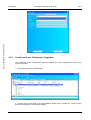
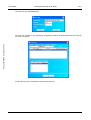
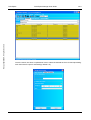
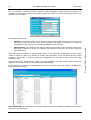
To add new table, first it has to be selected the table in “Service Information Tables” and then click
“Add” button. It could be deleted selecting the table and clicking “Remove” button.
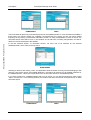
The non-by-default tables to be added are:
BAT (Bouquet Association Table)
CAT (Condicional Access Table)
CIT (Content Identifier Table)
DIT (Discontinuity Information Table)
EIT (Event Information Table)
NIT (Network Information Table)
RST (Running Status Table)
SIT (Selection Information Table)
TOT (Time Offset Table)
TSDT (Trnasport stream Description Table)
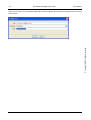
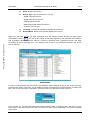
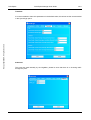
These tables could obtain the content form external sources:
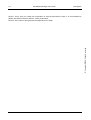
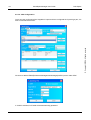
But there are some exceptions like EIT, NIT and CAT. EIT allows also to use the contributions
obtained by the DVB-IP Gategway. It is mandatory to have a Deluxe Gateway (ver 2) and a
PolarPlus Manager version 7.2 or upper.
SIDSA
Public
65
© Copyright SIDSA, All rights reserved
3.0