1
X350 and X550 User Manual
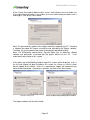
Remember that successful registration is necessary for the X350/X550 card to
function past the initial 30 days.
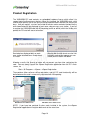
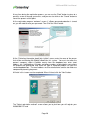
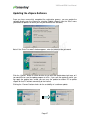
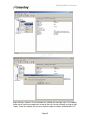
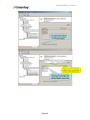
You can select to register either “On Line” or “Off Line,” and after selecting the desired
registration method, click on the "Next" button.
If you choose online registration, follow the instructions in the next section. If you have
chosen offline registration, skip ahead to that section.
Online Registration
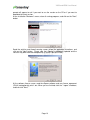
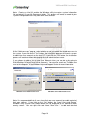
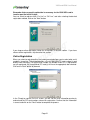
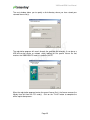
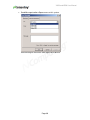
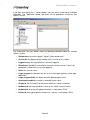
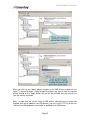
When you select to register online, the screen presented allows you to select what serial
number(s) to register. The window provides a list of X350/X550 PCI card number(s) read
directly from the card(s). For each serial number, the window shows if it is registered or
not yet registered. Any unregistered PCI card(s) will have the appropriate box checked.
Click on the "Next" button to proceed.
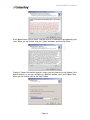
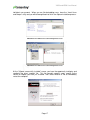
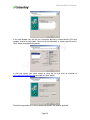
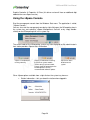
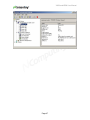
In the "Ready to register On-Line" screen, you will see the user information previously
entered and the PCI card numbers chosen for registration. Confirm that the information
is correct and click on the "Next" button to complete the process.
Page 21