1
Query Option
Obtaining Data from the Database
alphanumeric characters. The system displays a message if you are not authorized
to use this ID.
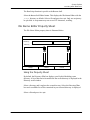
Part Name: Enter a valid part name or select the Editor button and a scrollable
list of valid Parts is displayed. The list depends upon the Project ID that is
specified. Select only one. It may not exceed eighty alphanumeric characters.
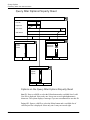
SQL Where: Select this entry if you want to particularize the data you are
searching for.
You may enter a Standard Query Language Where clause statement. Valid
statements are contained in the /usr/apl/cadds/data/control/sql
directory. It may not exceed 80 alphanumeric characters.
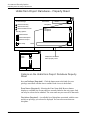
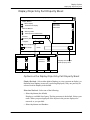
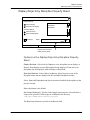
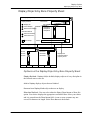
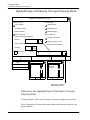
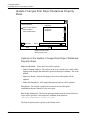
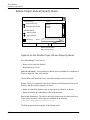
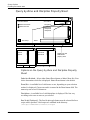
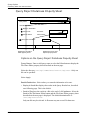
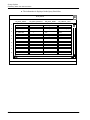
Example of a Filtered Query Displayed in the Query
Result Box
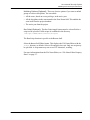
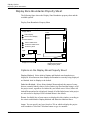
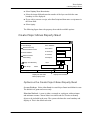
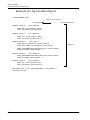
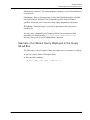
The following is a brief example of data you might receive in response to a Query.
1.
Specify a Query Name of Discipline Rules.
2.
Enter the filter condition:
dr_disc_name like ’CV%’ order by 1,2;
EDMControl User Guide and Menu Reference
6-15