1
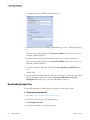
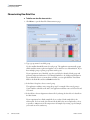
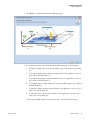
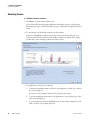
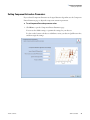
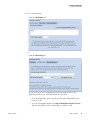
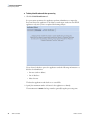
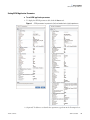
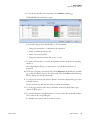
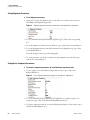
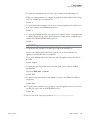
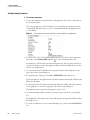
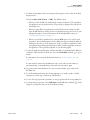
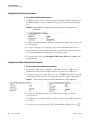
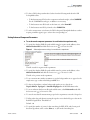
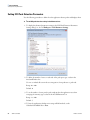
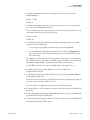
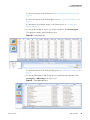
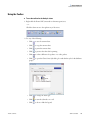
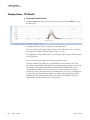
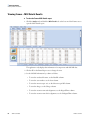
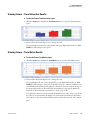
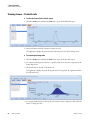
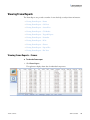
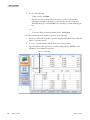
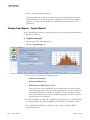
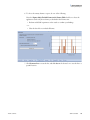
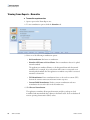
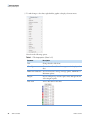
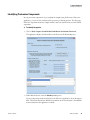
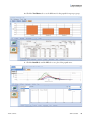
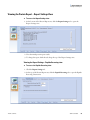
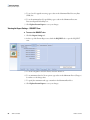
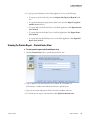
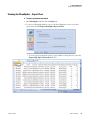
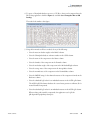
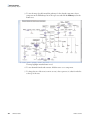
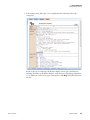
2 Processing Data Setting Processing Parameters Setting Global Identification Parameters To set global identification parameters 1. To define the charge used for searches using the ChemSpider and DB Lookup options if the SIEVE application cannot determine a charge, type a value in the AssumedCharge box. Figure 6. Global identification parameter settings for proteomics and metabolomics experiments 2. To define the maximum number of frames or components to identify, type a value in the corresponding box. 3. To assign a component score (compscore), type a value in the MinFormulaScore box. MinFormulaScore is the elemental composition score threshold the application sends to the ChemSpider database for identification or for Pathway analysis. 4. To select the search type, select ChemSpider, DB Lookup, Discoverer, or None in the SearchSource list. Setting Accurate Mass Identification Parameters To set accurate mass identification parameters 1. To provide an adduct for mass calculation (+nH, –nH, +K, +Na, or +NH4) for an identification search of the ChemSpider database, type a value in the Adduct box. The application does not use this value if you select COMPMW (the default) as the DB Lookup method. This method uses the component molecular weight for identification. Figure 7. Global settings for proteomics (left) and metabolomics (right) experiments 2. To define the ChemSpider databases used for identifications, type a value in the corresponding box. The application can search more than one database at a time. Separate different databases by commas. 3. To select an accurate mass library file (CSV), click the DBLibraryFile browse icon ( 28 SIEVE User Guide ). Thermo Scientific