1
Keyboard Language
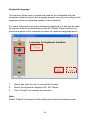
The function allows user to enable the scanner be compatible with the
computer keyboard layout (the language support may vary according to the
language version of operating system in the computer).
For some of barcode may have advanced characters in it and can be read
by scanner with the keyboard layout with ALT-Mode. Please refer to the
technical support of the computer provider for keyboard language layout
1.
2.
3.
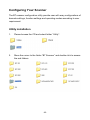
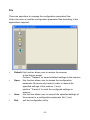
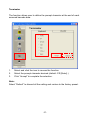
Select and click the icon to access the function.
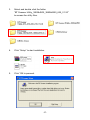
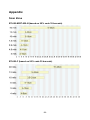
Select the keyboard interface (US / ALT Mode).
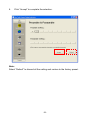
Click “Accept” to complete the selection.
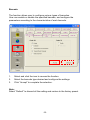
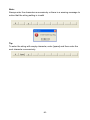
Note:
Select “Default” to discard all the setting and restore the factory preset.
-24-