1
FORMS4WORK Manual
Configuration
105
keyword, e.g. SIDE FRONT (see below).
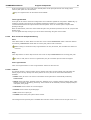
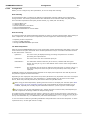
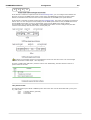
Note for programmers: The keywords FROM, TO and STEP do function similarly to the FOR statement in
higher level programming languages.
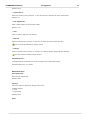
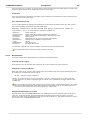
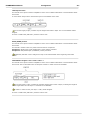
Example: FROM 2
pastes the overlay from sheet 2 on to every coming sheet of the print job.
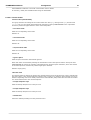
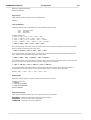
TO
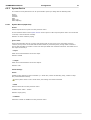
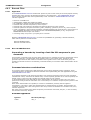
TO requires a numeric argument between 1 and 65535. The TO parameter specifies the sheet counter
reading up to which one the overlay resource will be pasted.
For duplex and N-Up print jobs that rule is valid for the whole sheet, i.e. the overlay will be pasted to the
front and to the back of a sheet. If this should not be done, the rule must be complemented with the SIDE
keyword, e.g. SIDE FRONT (see below).
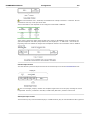
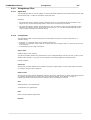
Example: TO 2 pastes the overlay up to sheet 2 to every sheet of the print job (sheets 1 and 2).
FROM 1 TO 1 pastes the overlay only to the first sheet.
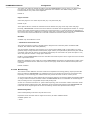
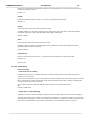
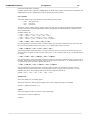
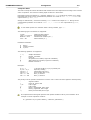
STEP
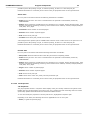
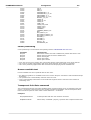
STEP requires a numeric argument between 1 and 65535. The STEP parameter together with the FROM
keyword specifies the increment with which the reference value should be counted from the start counter
on. If the reference value equals the sheet counter, the condition is fulfilled, i.e. if the overlay resource
shall be pasted on every second sheet, you have to put in STEP 2.
For duplex and N-Up print jobs that rule is valid for the whole sheet, i.e. the overlay will be pasted to the
front and to the back of a sheet. If this should not be done, the rule must be complemented with the SIDE
keyword, e.g. SIDE FRONT (see below).
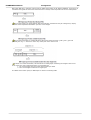
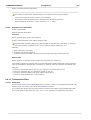
Example: FROM 2 STEP 2
pastes the overlay on every second sheet, starting with sheet 2.
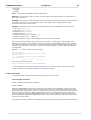
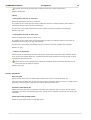
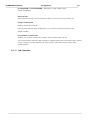
SIDE
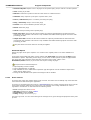
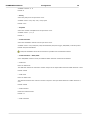
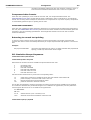
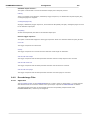
SIDE requires a keyword as a further argument: FRONT, BACK or SIMPLEXBACK. SIDE specifies, if an
overlay resource should be pasted to the front and to the back of a sheet.
In duplex jobs the overlay will be pasted to both front and back if SIDE is not chosen. In simplex jobs you
can use SIDE SIMPLEXBACK to paste an overlay to the backside of the sheet. To achieve that, an
additional page will be added to the data stream.
In print jobs with both simplex and duplex pages there may be two rules required: one with the keyword
SIDE BACK and one with SIDE SIMPLEXBACK.
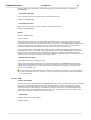
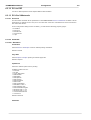
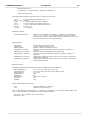
FRONT
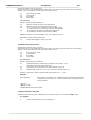
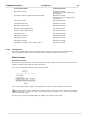
Pastes the overlay resource when either the front of a duplex sheet is reached or a simplex page. When
printing simplex, SIDE FRONT is redundant.
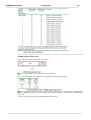
Example: SIDE FRONT
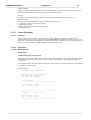
BACK
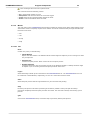
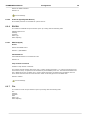
Pastes the overlay resource when the backside of a duplex sheet is reached. SIDE BACK checks for a
logical condition: The sheet was marked from the host as 'duplex' and the back of the sheet will be edited.
If the host marks the page as 'simplex', the condition cannot become true, because there is no back of the
sheet in the print job. In this case use SIDE SIMPLEXBACK.
Example: SIDE BACK
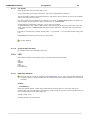
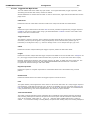
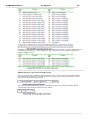
SIMPLEXBACK