1
Operating the VP-724DS Seamless Switcher / Scaler
7.3.5
Adjusting the Zoom Ratio and Position
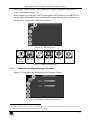
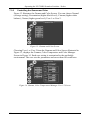
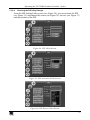
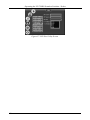
Figure 19 illustrates the Geometry (Zoom) Screen:
Figure 19: Geometry (Zoom) Screen
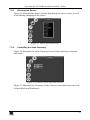
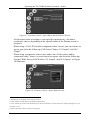
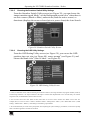
The zoom ratio and the zoom position are illustrated by a small rectangle
inside a transparent pop-up OSD Enlarge status box that appears at the top
right corner of the screen, as the example in Figure 20 illustrates:
Figure 20: OSD Enlarge Status
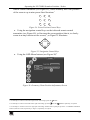
When you change the zoom ratio or zoom position, the screen image is
adjusted correspondingly, and the change is reflected in the pop-up OSD
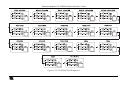
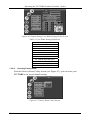
Enlarge status box. For example, Figure 21 illustrates a zoom ratio increase
from 200% (Image A) to 400% (Image B):
21