1
Data Service
This function may not be available, depending on the country.
Allows the user to use information (text, still images, graphics, documents, software, etc.) transmitted
via broadcast media.
Auto Run Data Service
Broadcasting > Channel Settings > Auto Run Data Service
Sets whether or not to automatically run data service. Auto Run Data Service automatically runs data
service without user intervention.
"" If any other secondary function is under way, Auto Run Data Service may not work.
Using Data Service
If the channel you are currently watching provides data service, you can enjoy a variety of data
services by selecting a.
"" Provided Data Service information may vary depending on broadcast.
"" While using data services, changing the channel using numeric keys may not be possible, depending on the
service.
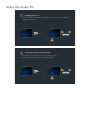
111
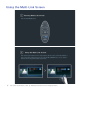
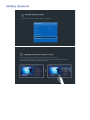
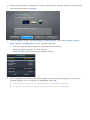
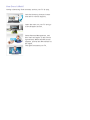
Select a and then select a desired service.
"" If Auto Run Data Service is On, the data service will automatically run with loading banner. In this
case, the
a function does not work.
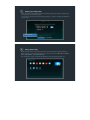
222
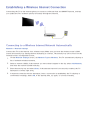
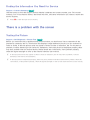
Select a to display the data service screen.
333
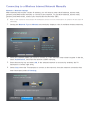
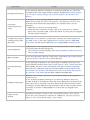
Move to a desired option on the data service screen and then select OK. The selected service
starts.
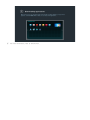
444
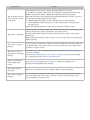
If you select EXIT, data service closes.