1
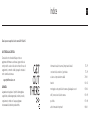
Contents
Precautions
/3
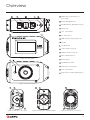
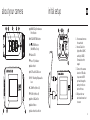
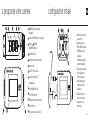
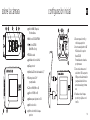
Overview
/4
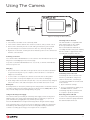
Using the Camera
/5
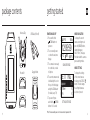
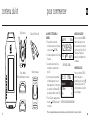
Initial Setup
Powering On and Off
Charging
Battery Life
External Power Supply
Micro SD Cards
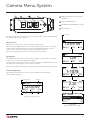
Camera Menu System
/6
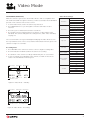
Video Mode
/7
Recording Video
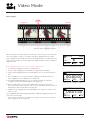
Video Tag/Loop
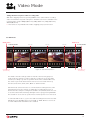
Simultaneous Photos and Videos
Car DVR
Capturing Photos
Photo Settings
Photo Mode
/ 10
Timelapse Mode
/ 11
Photoburst Mode
/ 12
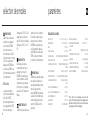
Camera Settings
/ 13
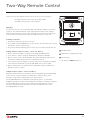
Two-Way Remote Control
/ 14
Capturing Timelapse Sequences
Timelapse Settings
Capturing Photoburst Sequences
Photoburst Settings
WiFi and Network Name
Date and Time
Camera Settings and Reset
Firmware
Charging
Powering On and Off
Pairing Camera to a Remote Control
Pairing Multiple Cameras to a Remote Control
Using the Remote Control
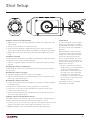
Shot Setup
/ 16
Connectivity
/ 17
Conserving Battery
/ 18
Updating Firmware
/ 19
Camera Care
/ 20
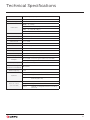
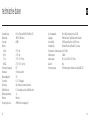
Technical Specifications
/ 21
Warranty
/ 22
Disclosures
/ 23
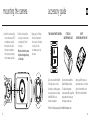
Fixing the Camera to the Universal Clip
Attaching the Camera to Mounts
Rear Hatch
Lens Rotation
Connecting to Windows PC
Connecting to Mac
Connecting to WiFi device
Connecting to a TV
LCD Settings
Camera Auto Off
Cleaning the Camera
Cleaning the Lens and LCD Screen
Cleaning the Seals
2