1
DrumIt Five User Manual
6. Pages and Parameters
Unit-Mixer
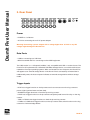
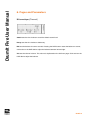
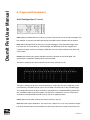
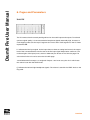
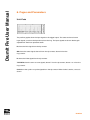
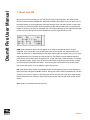
K-S-H, T-C-P and I-F-S select the 3 volume faders to be controlled by the DATA dials. The
faders are represented by the first letter of their name. Plus signs between the letters indicate
the selected faders, their full names are shown above the 3 DATA dials. The FxRet fader is not
functional yet.
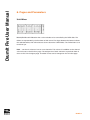
Kick ... set the mix volume of one or more channels. This volume is in addition to the channel
volume as set on the Kit-Drum page. The assignment of each channel to a particular fader is
done on the Unit-Configure page. The fader names can be changed on the Unit-Out page.
PAGE 17