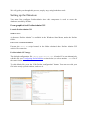
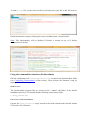
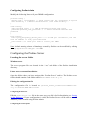
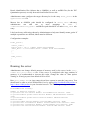
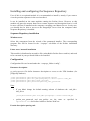
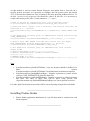
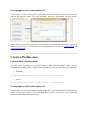
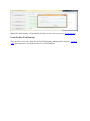
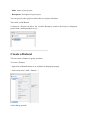
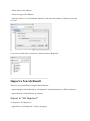
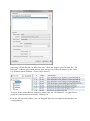
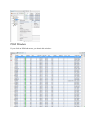
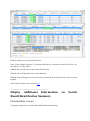
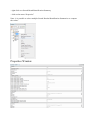
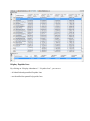
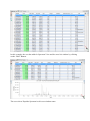
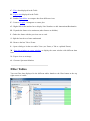
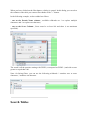
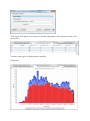
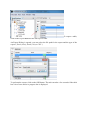
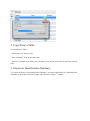
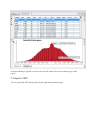
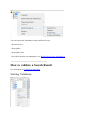
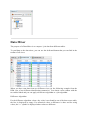
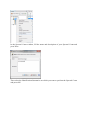
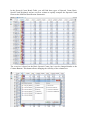
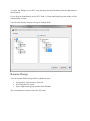
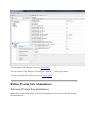
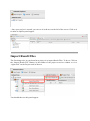
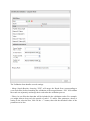
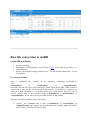
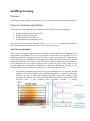
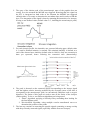
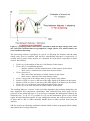
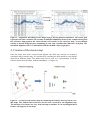
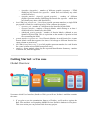
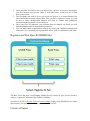
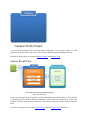
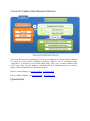
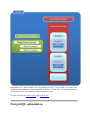
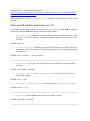
In the example, the user has clicked on “Identification Summary>New User Window…”
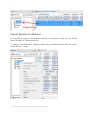
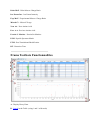
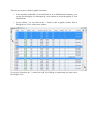
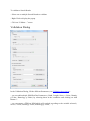
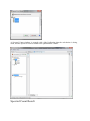
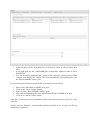
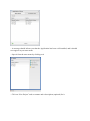
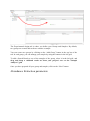
and selects the Peptides View as the first view of his window.
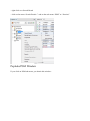
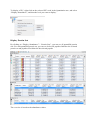
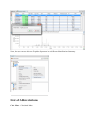
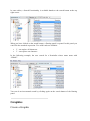
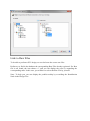
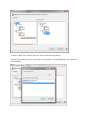
You can add other views by using the '+' button.