1
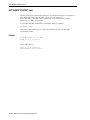
EXIT
EXIT
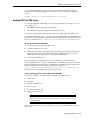
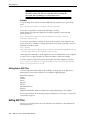
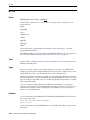
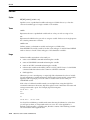
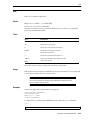
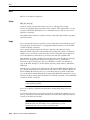
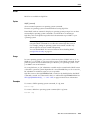
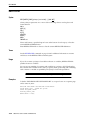
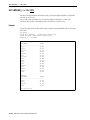
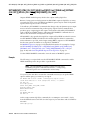
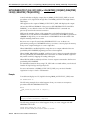
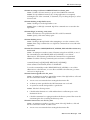
Syntax
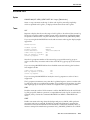
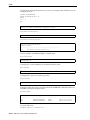
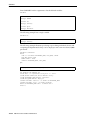
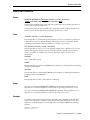
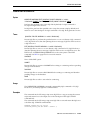
{EXIT | QUIT} [SUCCESS | FAILURE | WARNING | n | variable | :BindVariable] [COMMIT | ROLLBACK]
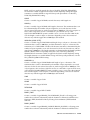
Commits or rolls back all pending changes, logs out of Oracle Database, terminates
SQL*Plus and returns control to the operating system.
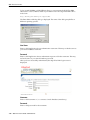
In iSQL*Plus, commits or rolls back all pending changes, stops processing the current
iSQL*Plus script and returns focus to the Input area. There is no way to access the
return code in iSQL*Plus. In iSQL*Plus click the Logout button to exit the Oracle
Database.
Commit on exit, or commit on termination of processing in iSQL*Plus, is performed
regardless of the status of SET AUTOCOMMIT.
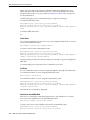
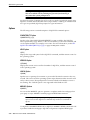
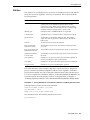
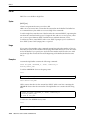
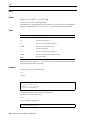
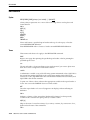
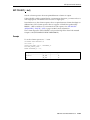
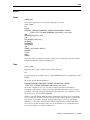
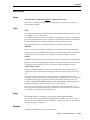
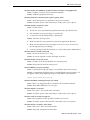
Terms
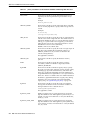
{EXIT | QUIT}
Can be used interchangeably (QUIT is a synonym for EXIT).
SUCCESS
Exits normally.
FAILURE
Exits with a return code indicating failure.
WARNING
Exits with a return code indicating warning.
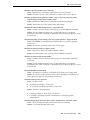
COMMIT
Saves pending changes to the database before exiting.
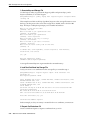
n
Represents an integer you specify as the return code.
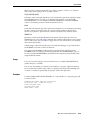
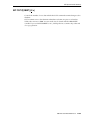
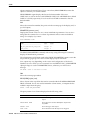
variable
Represents a user-defined or system variable (but not a bind variable), such as
SQL.SQLCODE. EXIT variable exits with the value of variable as the return code.
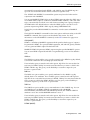
:BindVariable
Represents a variable created in SQL*Plus with the VARIABLE command, and then
referenced in PL/SQL, or other subprograms. :BindVariable exits the subprogram and
returns you to SQL*Plus.
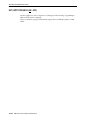
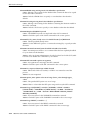
ROLLBACK
Executes a ROLLBACK statement and abandons pending changes to the database
before exiting.
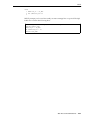
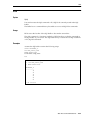
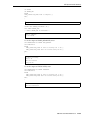
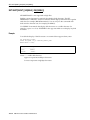
EXIT with no clauses commits and exits with a value of SUCCESS.
SQL*Plus Command Reference
12-61