1
User Guide to SIMCA
Step
5.
Description and illustration
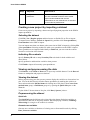
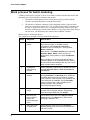
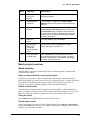
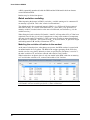
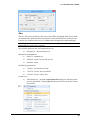
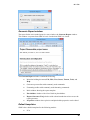
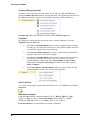
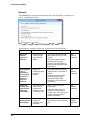
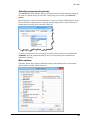
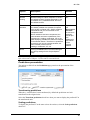
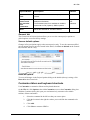
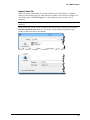
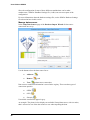
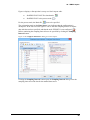
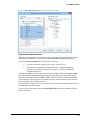
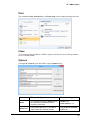
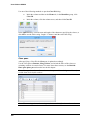
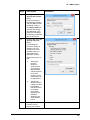
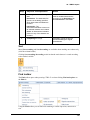
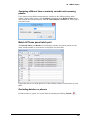
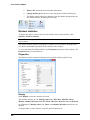
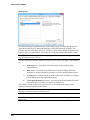
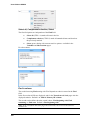
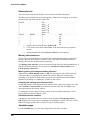
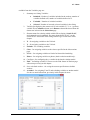
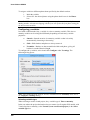
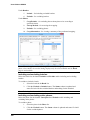
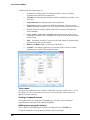
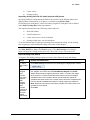
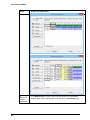
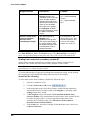
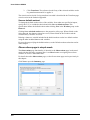
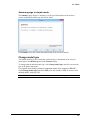
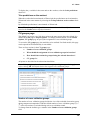
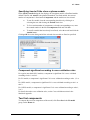
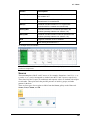
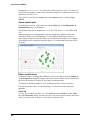
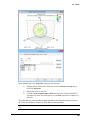
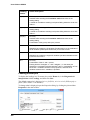
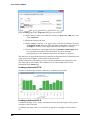
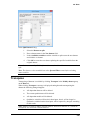
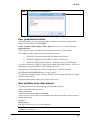
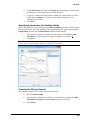
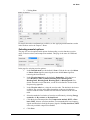
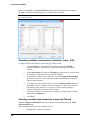
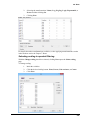
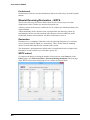
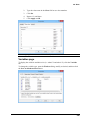
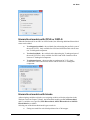
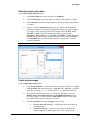
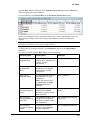
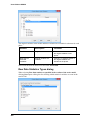
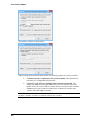
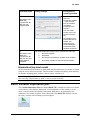
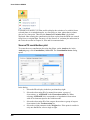
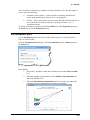
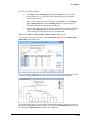
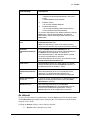
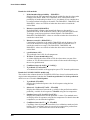
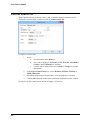
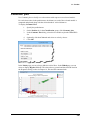
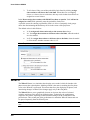
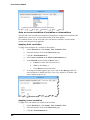
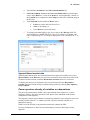
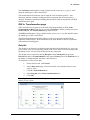
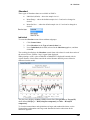
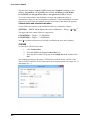
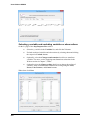
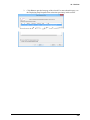
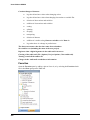
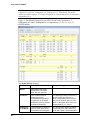
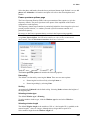
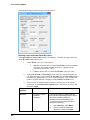
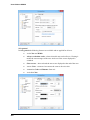
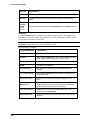
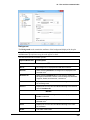
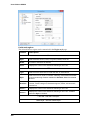
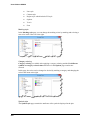
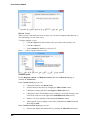
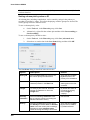
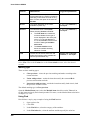
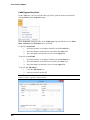
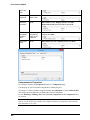
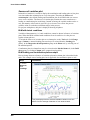
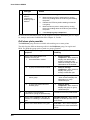
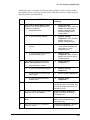
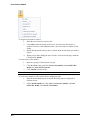
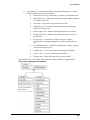
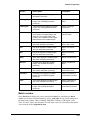
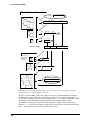
Change the IDs as desired, either manually or by clicking the Change ID button
available when marking the current variable ID.
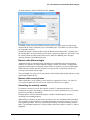
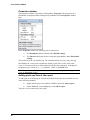
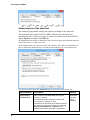
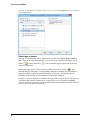
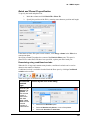
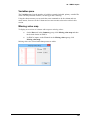
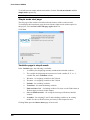
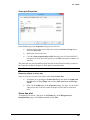
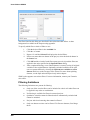
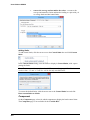
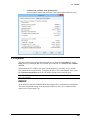
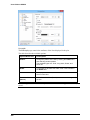
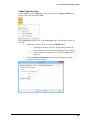
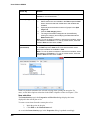
In the Change Variable ID dialog select Use expanded expression, Use
expression from row 1 or Enter name.
When selecting Enter name a sequential number is automatically added after
the name specified in the field.
6.
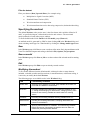
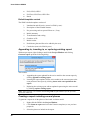
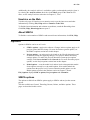
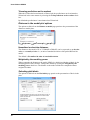
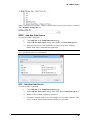
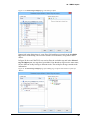
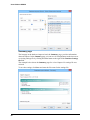
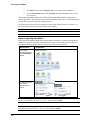
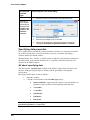
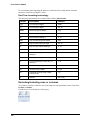
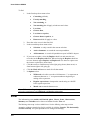
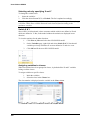
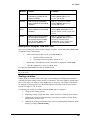
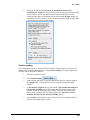
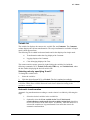
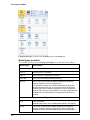
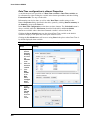
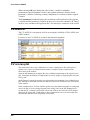
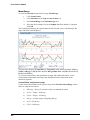
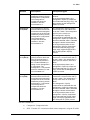
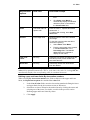
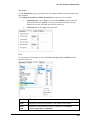
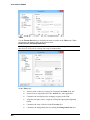
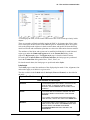
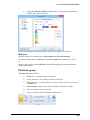
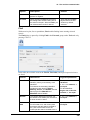
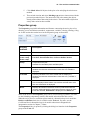
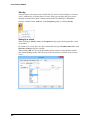
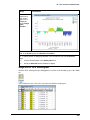
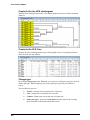
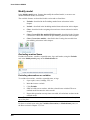
Click Finish to exit the wizard or Finish - generate more to reopen the
Generate Variables wizard and continue at point 3.
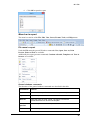
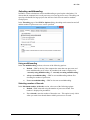
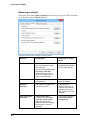
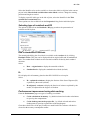
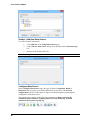
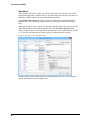
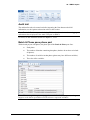
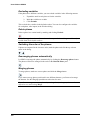
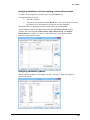
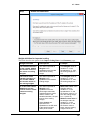
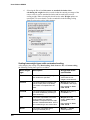
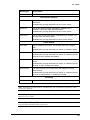
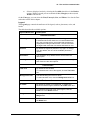
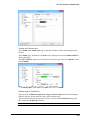
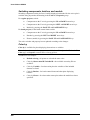
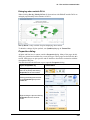
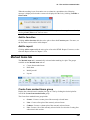
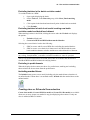
When clicking Finish after adding variables to the dataset, if there are more
datasets, SIMCA will display a dialog enabling adding the variables to other
datasets also. If you don't want to add the variables to any other datasets, click
Cancel.
222