1
Registration
Mikogo is an easy-to-use software application that provides a fast solution for sharing your
computer screen with others live over the Web. Participants do not have to register in order to join
your Mikogo session.
You can organize Mikogo sessions without a registered account. However, note that with the nonregistered version the features Scheduler, MyAccount and Profile Manager are not available.
Therefore, organizers can choose to either start sessions with an account or without. Participants
never have to register an account in order to join a Mikogo session.
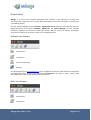
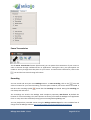
Without User Account
Start Session
Join Session
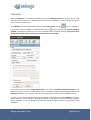
Account Information
Settings
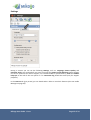
To register please go to www.mikogo.com, click on Register (at the top of the website) and complete
the registration form. Entering user details is only required if you wish to start a session with
extended features and to login to the MyAccount section.
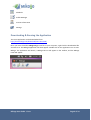
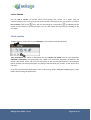
With User Account
Start Session
Join Session
Mikogo User Guide - Linux
Page 3 of 24