1
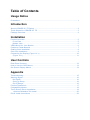
Table of Contents
Usage Notice
Precautions............................................................................................................................. 1
Introduction
About LCDWIDE 32’’ FP Series.............................................................................................. 2
Touch Screen for LCDWIDE 32’’ FP ....................................................................................... 3
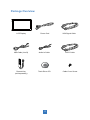
Package Overview ....................................................................................................... 4
Installation
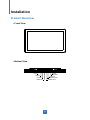
Product Overview......................................................................................................... 5
Front View ............................................................................................................... 5
Bottom View ............................................................................................................ 5
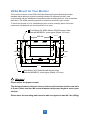
VESA Mount for Your Monitor....................................................................................... 6
Customer Panel Material.............................................................................................. 7
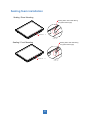
Sealing foam installation............................................................................................... 8
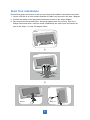
Start Your Installation................................................................................................... 9
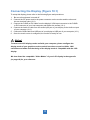
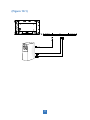
Connecting the Display (Figure 10.1)...........................................................................10
(Figure 10.1)............................................................................................................11
User Controls
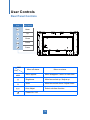
Rear Panel Controls....................................................................................................12
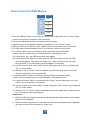
How to Use the OSD Menus........................................................................................13
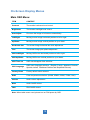
On-Screen Display Menus...........................................................................................14
Appendix
Troubleshooting...........................................................................................................15
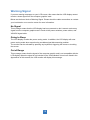
Warning Signal............................................................................................................16
No Signal ...............................................................................................................16
Going to Sleep........................................................................................................16
Out of Range...........................................................................................................16
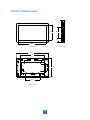
Product Dimensions....................................................................................................17
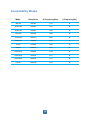
Compatibility Modes....................................................................................................18
Touch Screen Driver Installation..................................................................................19
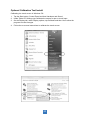
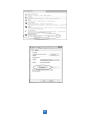
Optional Calibration Tool Install....................................................................................... 20
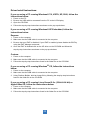
Driver Install Instructions ............................................................................................22