1
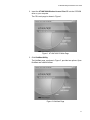
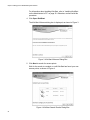
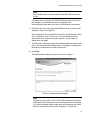
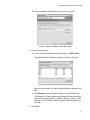
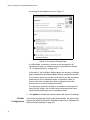
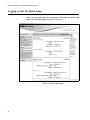
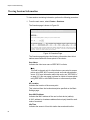
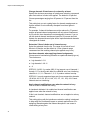
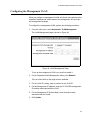
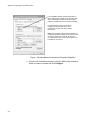
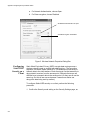
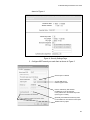
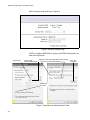
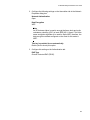
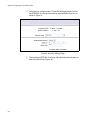
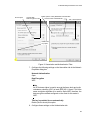
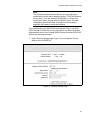
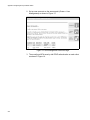
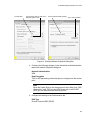
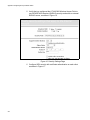
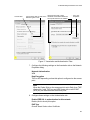
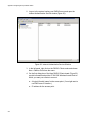
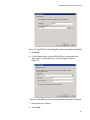
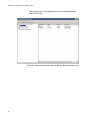
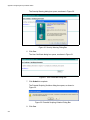
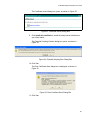
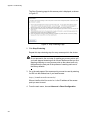
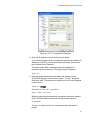
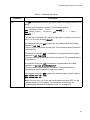
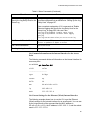
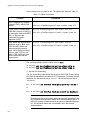
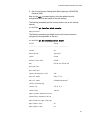
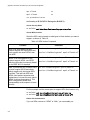
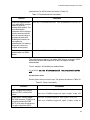
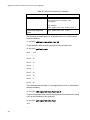
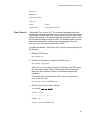
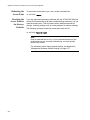
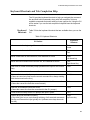
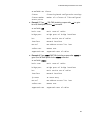
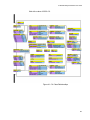
Appendix B: Configuring Security on Wireless Clients 2. Log on to the system hosting your RADIUS server and open the Internet Authentication Service window (Figure 22). Figure 22. Internet Authentication Service Window 3. In the left panel, right click on the RADIUS Clients node and choose New > Radius Client from the menu. 4. On the first dialog box of the New RADIUS Client wizard (Figure 23) provide information about the AT-WA7400 Wireless Access Point to which you want your clients to connect: 250 A logical (friendly) name for the access point. (You might want to use DNS name or location.) IP address for the access point.