1
Base document
payCOMweb User Manual
5.3
Top navigation bar
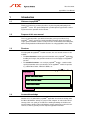
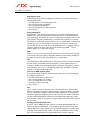
The top navigation bar contains menu options for calling up the available modules (depending on your user profile as set in your application form, i.e. only those modules are
displayed which you are entitled to use) and, always, a "Home" tab and a "Contacts"
tab. The tab for the module that is currently selected is shown in red font.
Home displays the Start screen for payCOMweb. This also comes up automatically
whenever the language is changed.
Contacts enables users to look up addresses and telephone numbers for relevant
offices and send messages to SIX. You can find more information on this in section 6.3
"Query contact addresses and/or send an e-mail to SIX".
5.4
Module navigation menu
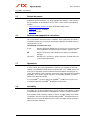
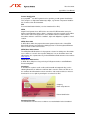
The module navigation menu on the left-hand side contains all the menu options for
calling up functions in the selected module. The menu options vary between modules.
The option for the function that is currently selected is shown in red font.
You can find more information about the module functions that can be selected in the
relevant module document.
5.5
Footer
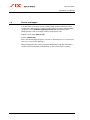
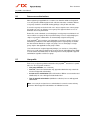
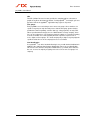
In the footer, click on the links
• Contacts – to look up addresses and telephone numbers of the relevant offices
and send messages to SIX,
web
• Disclaimer – to see the conditions of use for payCOM
• Logout – to end the current session using payCOM
,
web
.
So that you can always be sure about which system you are currently working on, this
is displayed in the footer: P r o d u c t i o n or T e s t S y s t e m .
Version 1.2 / 06.06.2014
21