1
TROUBLESHOOTING
14
14 TROUBLESHOOTING
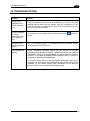
Problem
Device is not
displayed in the
Device Selection
Area
Cannot Configure
the Device
(parameters and
icons appear in
grey)
Solution
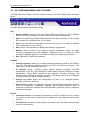
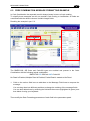
In order to be found by DL.CODE, Online devices must be powered
on and connected to the Local Area Network; if you don't see the
desired device within this list, please verify its connections to the
LAN and assure it is powered on; then click on the Discovery icon
to run a new device search.
The device is in run mode. Click on the Pause button
mode.
to exit run
The User is not
able to download
images
the FTP Username and FTP Password must be the same as the
ones defined in the FTP Client.
Some Images are
missing
Image availability depends heavily on the number of images
transferred and the rate of transfer, (system throughput and network
bandwidth). Since Image downloading is usually based on specific
criteria (i.e. No Read or Multiple Read conditions) the FTP Server is
adequate to handle most applications.
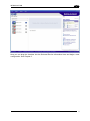
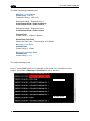
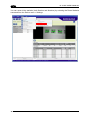
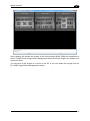
In extreme cases where a high throughput application requires all
images to be downloaded it is possible that some images may not be
available on the reader having been overwritten in the device's
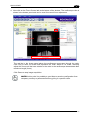
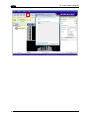
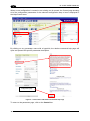
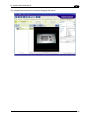
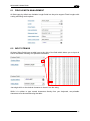
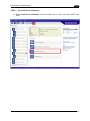
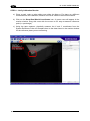
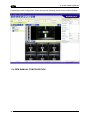
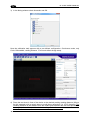
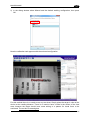
circular buffer. See an example in the figure below.
93