1
Quadra-Chek® QC200
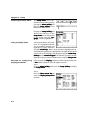
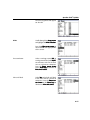
Entering machine zero offsets:
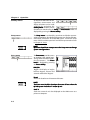
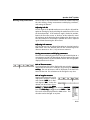
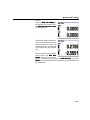
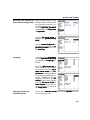
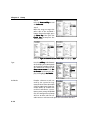
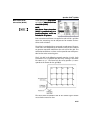
Select the X and Y Machine 0
data fields and enter the X and
Y offsets from the machine reference to the datum of the standard grid. In this example the
Machine 0 values were 0.50 and
0.48 inches.
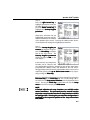
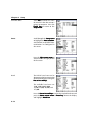
Entering the data type:
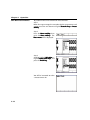
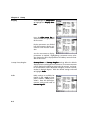
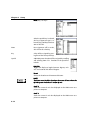
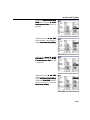
Scroll to the Nominal Error/Actual data field and select the
data type for cell dimension
measurements. The type can be
the actual measurement (Actual)
tual), or the difference between the nominal and actual
measurement (Error)
(Error). In this
example Actual is selected.
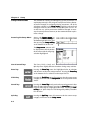
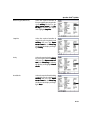
Inputting measurement data:
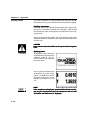
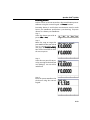
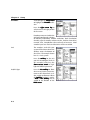
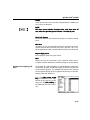
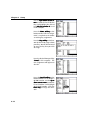
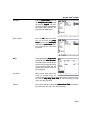
Scroll to the X and Y position
data fields (P
os) and if neces(Pos)
sary increment or decrement the
contents using the Inc or Dec
softkeys to select the grid position 1,1
1,1. This corresponds to
the datum (0,0) for the standard
grid.
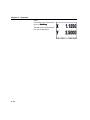
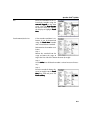
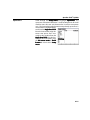
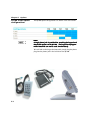
NOTE
Grid position 1,1 is the datum for grid measurements, therefore
the Actual or Error values for X and Y must always be zero.
4-27