1
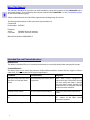
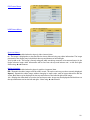
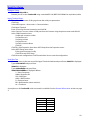
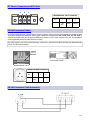
Output Settings Screen
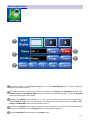
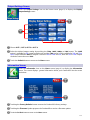
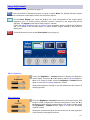
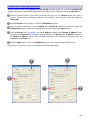
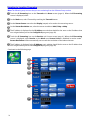
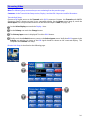
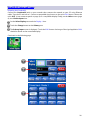
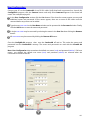
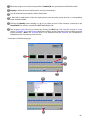
Touch the Output Settings icon on the home screen (page 9) to display the Display
Output Settings screen.
Choose OUT 1, OUT 2, OUT 3 or OUT 4.
Select the desired output setting by touching the 720p, 1080i, 1080p or 1200 button. The 1080i
option is available for SDI output modules only and the 1200 option is only available for DVI and Fiber
Optic output modules. Note: If outputs 3 and 4 are DVI or Fiber and SDI, then the DVI or Fiber output
resolution cannot be set to 1200.
Touch the Go Back button to return to the Home screen.
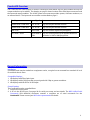
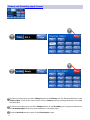
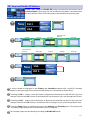
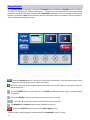
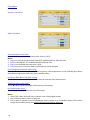
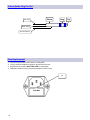
Information Screen
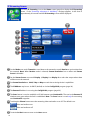
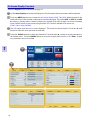
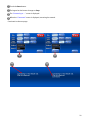
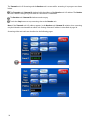
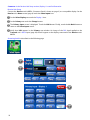
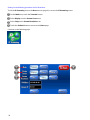
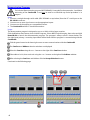
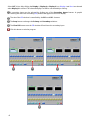
Touch the Information icon on the Home screen (page 9) to display the Information
screen. This screen displays general information about your ConductOR. See the screen
shot below.
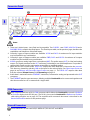
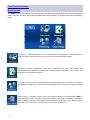
Touching the Factory Defaults button restores the ConductOR’s factory settings.
Touching the Firmware Update prepares the ConductOR to receive a firmware update.
Touch the Go Back button to return to the Home screen.
14