1
User Interface
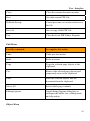
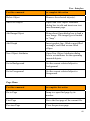
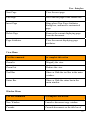
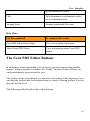
Button
Functions
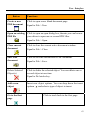
Create a new
PDF document
Click to open a new blank document page.
Open an existing
PDF file
Click to open an open dialog box; therein you can browse
your driver to open one or several PDF files.
Equal to File > New.
Equal to File > Open.
Close current
document
Click to close the current active document window.
Save PDF
document
Click to save the current active PDF document.
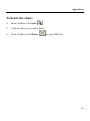
Delete Selected
Object(s)
Click to delete the selected object. You can delete one or
several object at one time.
Equal to File > Close.
Equal to File > Save.
Equal to Del stroke key.
Add a new
object
Go to the first
page
Insert new object options. You can drop down the insert
and select a type of object to insert.
options
Click to track back to the first page.
63